
Billing
Change Games
Section titled “Change Games”At any time you may swap the game your server is running! At EVLBOX some of the prices between games vary. During the switching process you will be given credit (if switching to a lower cost service), or asked to pay the cost difference.
Submitting a game change Order
Section titled “Submitting a game change Order”- Login to the billing portal - https://portal.evlbox.com
- Select the service you wish to change.
- Click the Upgrade / Downgrade link on the left.
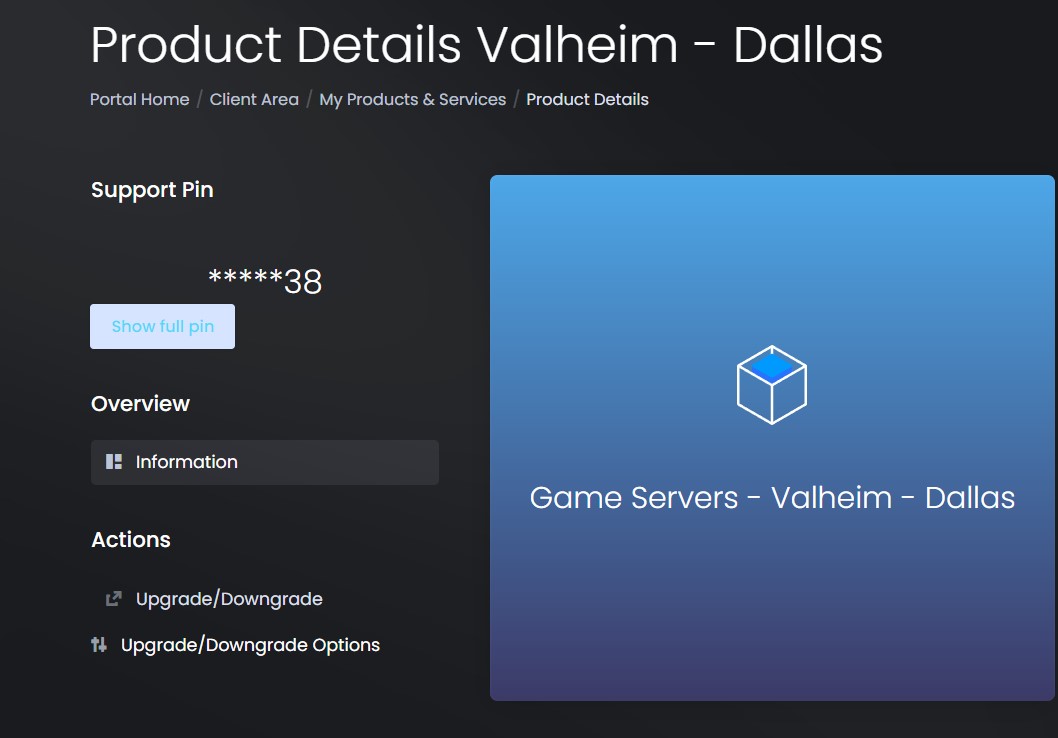
- Select which game / packages you’d like to switch to.
- Submit the change order and pay the difference if needed.
If a payment is due, the upgrade will occur immedietly after the payment is collected.
Cancel a Service
Section titled “Cancel a Service”- Login to the billing portal - https://portal.evlbox.com
- Select the service you wish to cancel, and choose the “Request Cancellation” option (left side of screenshot)
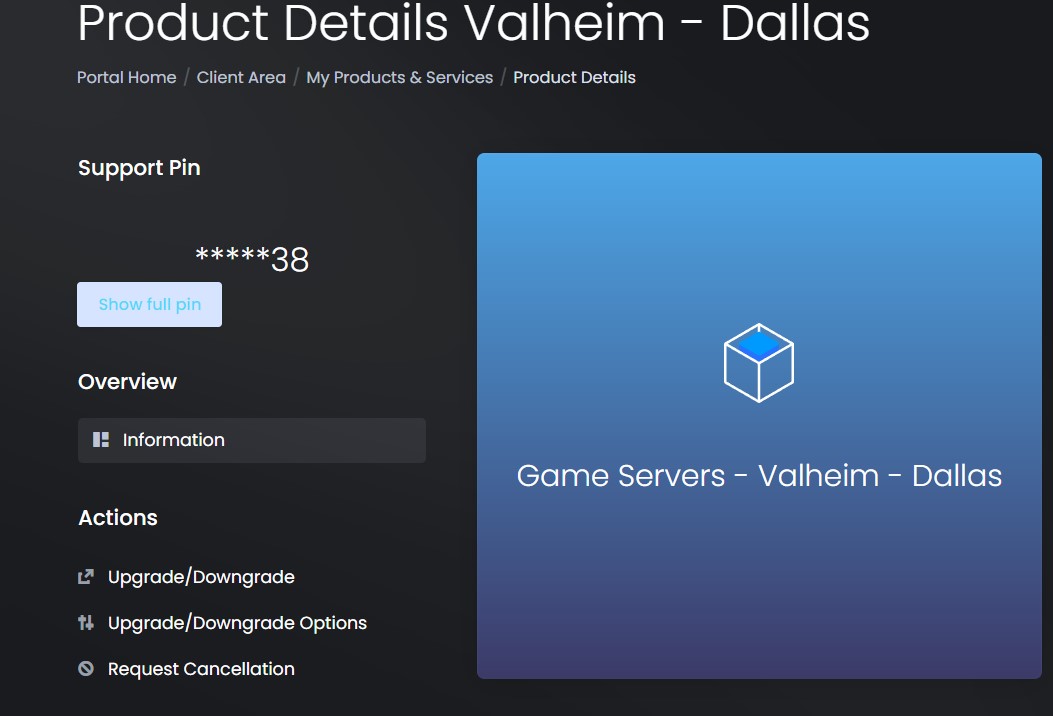
- Choose a cancellation type, and submit.
- Refunds are only offered within the first 15 days of service. If you would like to cancel and receive a refund, please contact our support team to request a refund.