
How to Join Your EVLBOX Game Server | Connect to Your Satisfactory Server with IP and Port
Joining your Server
Section titled “Joining your Server”-
Find your address and Primary port on the Network tab in the Nitro Panel. See first time setup if you need help.
-
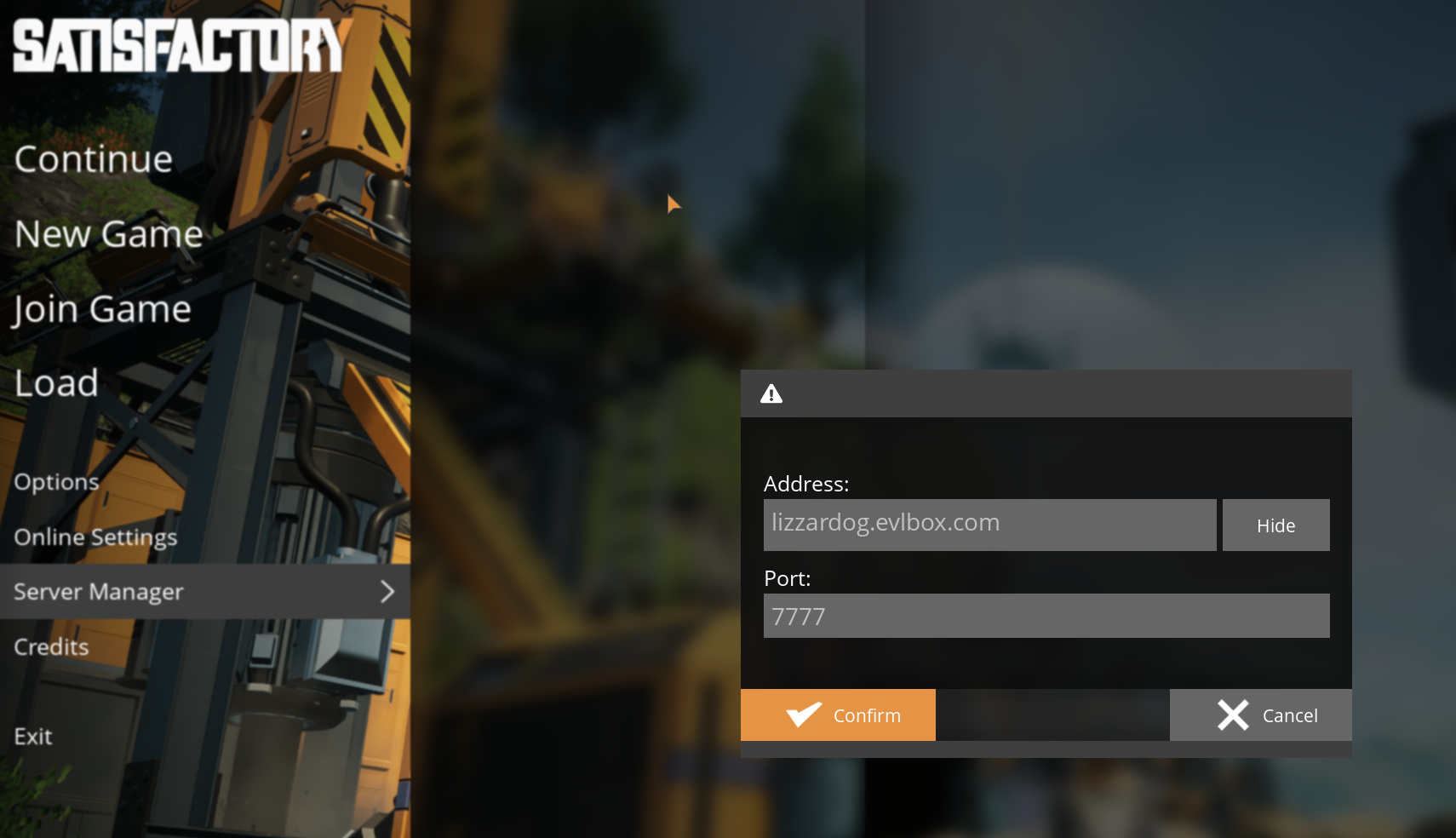
In Satisfactory, open the Server Manager and click Add Server.
-
Enter your address and Primary port, then click Confirm.
-
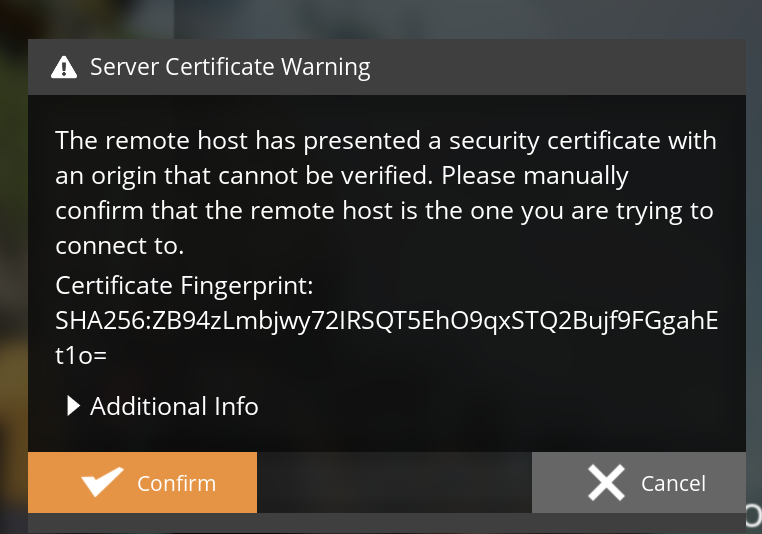
When the Server Certificate Warning appears, click Confirm.
-
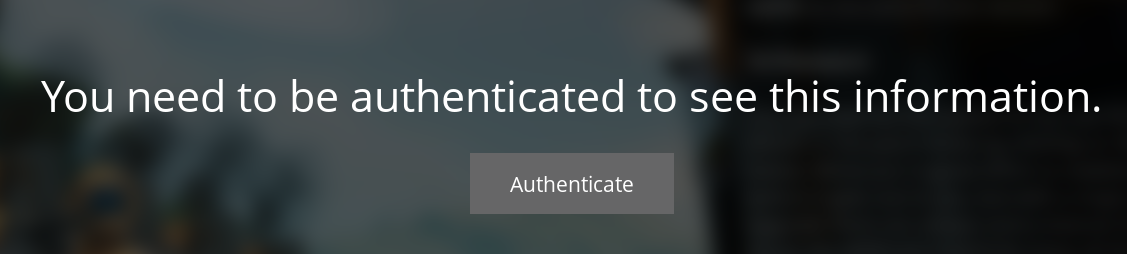
If your server is password-protected, enter the password.
Can’t join?
Section titled “Can’t join?”- The game just updated: restart your server from the Nitro Panel. It installs updates when it starts, as long as Automatic Updates is on.
- You’re on the experimental branch: your game and your server need to be on the same branch. See Switch to Experimental.
- You time out while joining a big or modded save: raise Join Timeout on the Startup tab and restart your server.