Connect to your Palworld Server
Connect to Server
Section titled “Connect to Server”In order to connect to your server, you’ll need to login to our control panel nitro.evlbox.com
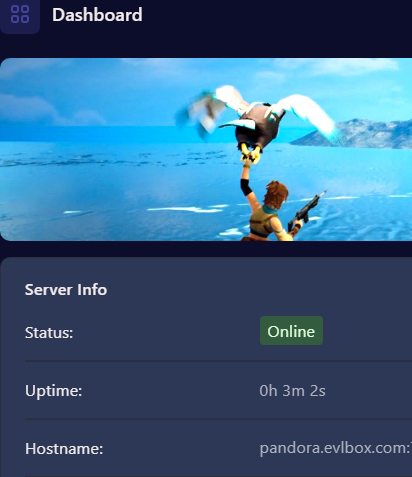
Grab your connection string. this can be found
- From the Dashboard, copy the IP address
- From the Manage Server Window, copy the Hostname
Paste this into palworld and click connect

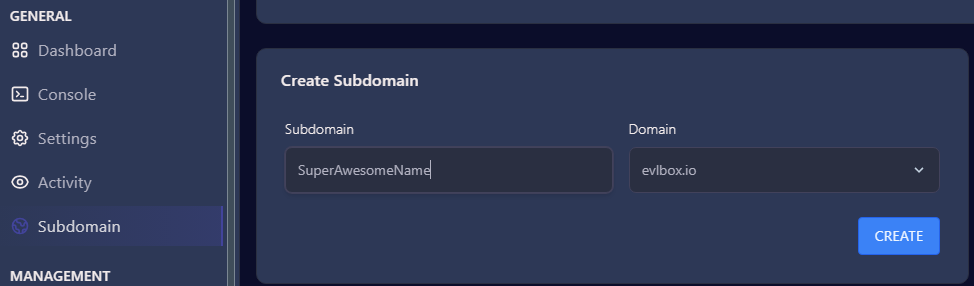
You can also set a custom subdomain in the subdomain option. In this window, enter a name and click create. You can now use this subdomain to connect to your server.