
How to Restore Saves from the Server Backup
How to Restore Saves from Server Backups
Section titled “How to Restore Saves from Server Backups”If your save game data ever gets lost or corrupted due to the server crashing, you can restore your data from the automated server backups.
If you do not currently see any backup data in the nitro panel, you can manually create a backup file. More info on how to do that can be found here: How to Create Backups
How to Restore Backups
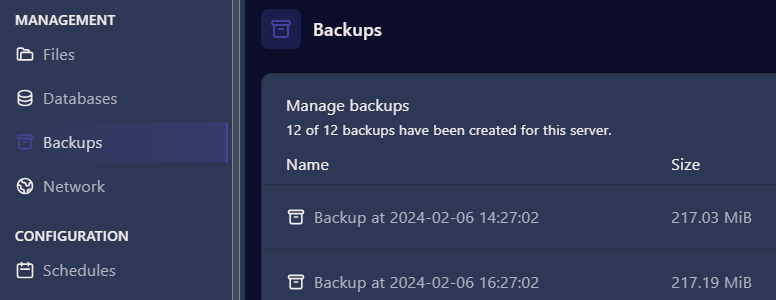
Section titled “How to Restore Backups”- Login to the Nitro Panel and Stop your server from the console. Once it is offline, select Backups from the menu.
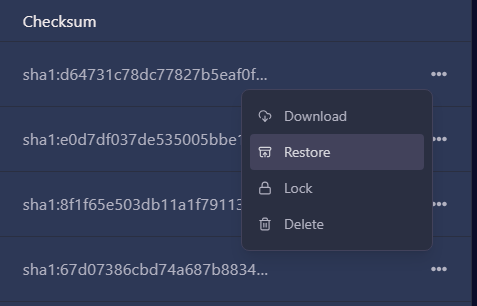
- Click on the three dots next to the backup you want to use and select “Restore”
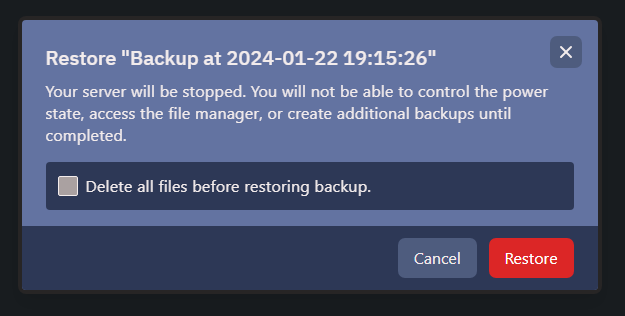
- This will bring a pop up window confiriming the back up you have selected. It will ask if you want to delete all files before storing, leave this unchecked. Click Restore.
- The backup restore process will show a confirmation screen.
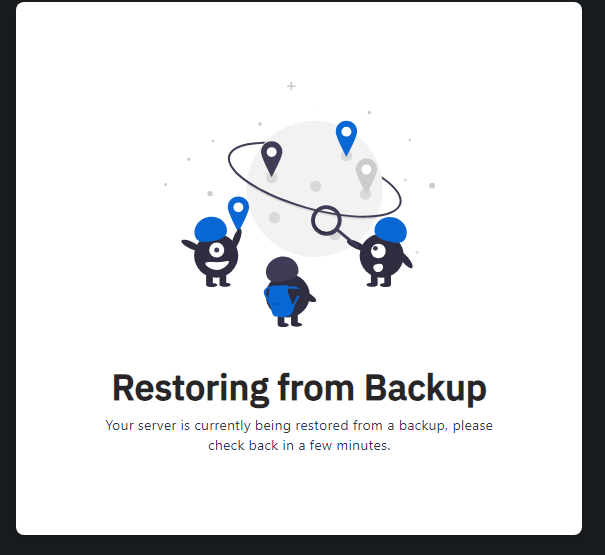
- This window will close once completed, you can now return to the console and start your server.