
How to Add and Remove Admin Permissions
Project Zomboid Admin Permissions
Section titled “Project Zomboid Admin Permissions”How to Add Admin Permissions to your project zomboid server
Section titled “How to Add Admin Permissions to your project zomboid server”- Login to the Nitro Panel click manage server and got to the console tab.
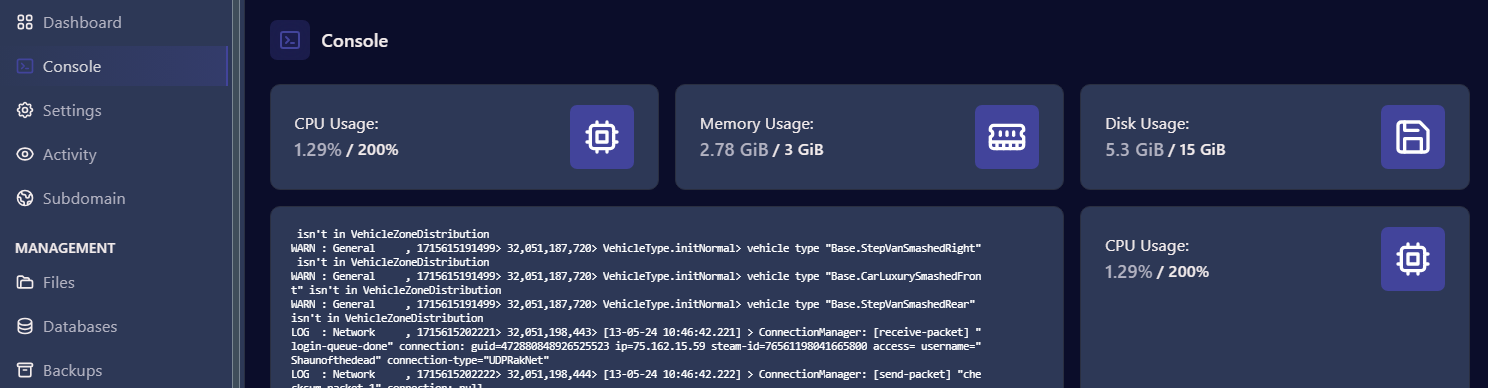
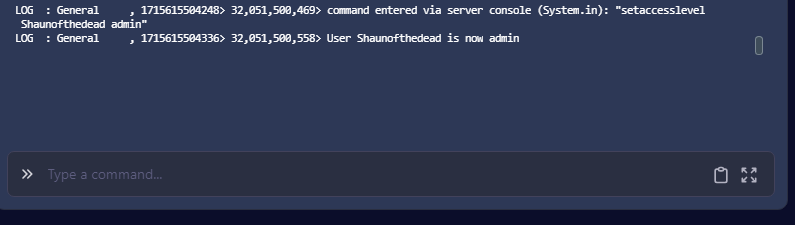
- Scroll down to the command line and enter in the following: setaccesslevel [Account Username] admin
The account username is the name used to log in to the Project Zomboid server

- Upon success you will see a line in the console log confirming the admin access
How to Remove Admin Permission
Section titled “How to Remove Admin Permission”-
Log in to the Nitro Panel, click manage server and go to the console tab.
-
Scroll down to the command line and enter in the following: setaccesslevel [Account Username] none

- You will see a line in the console log confirming the removal of admin access
