How to Set Server Password in Project Zomboid
How to Set a Server Password for Project Zomboid
Section titled “How to Set a Server Password for Project Zomboid”- Login to the Nitro Panel, click manage server and stop the server
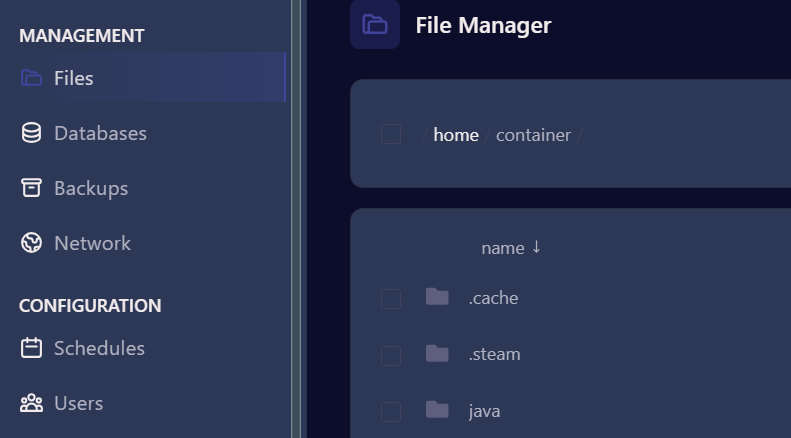
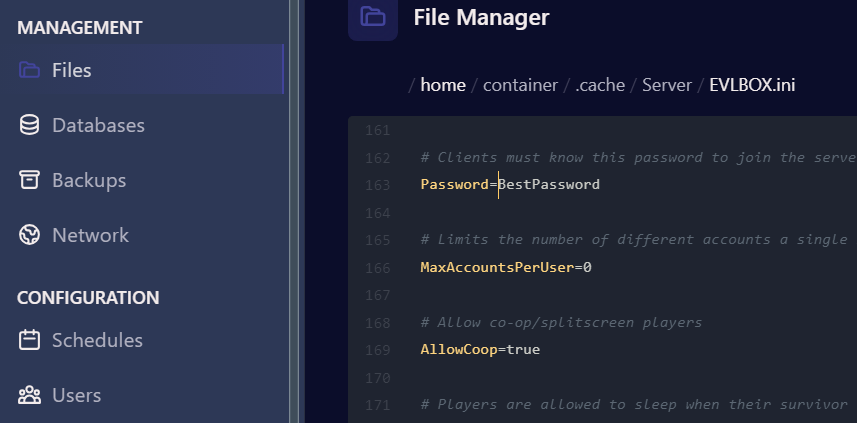
- Click on Files and then navigate to .cache/Server/EVLBOX.ini
- Open the .ini file and scroll down to around line 163 and find the line with Password. Type in a password
-
Click Save Content in the lower right corner and go back to the dashboard and Start Your Server.

-
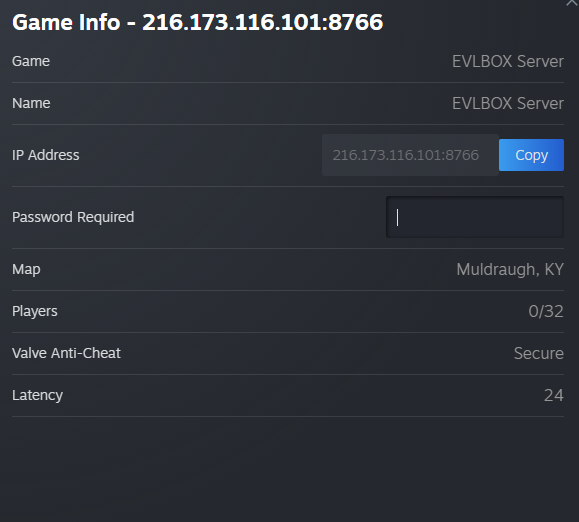
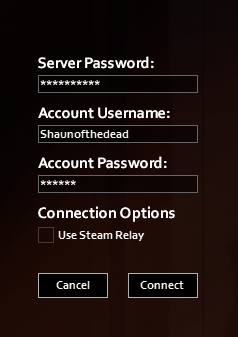
When you connect to your server, it will now require you to enter the password.