How to Manage Satisfactory Saves | Set Autosave Intervals and Save Settings | EVLBOX
Save File Management
Section titled “Save File Management”The admin of the server can use the in-game Server Manager to load and create save games with ease.
- Click Server Manager in-game.
- Select your server, and choose “Manage Saves”
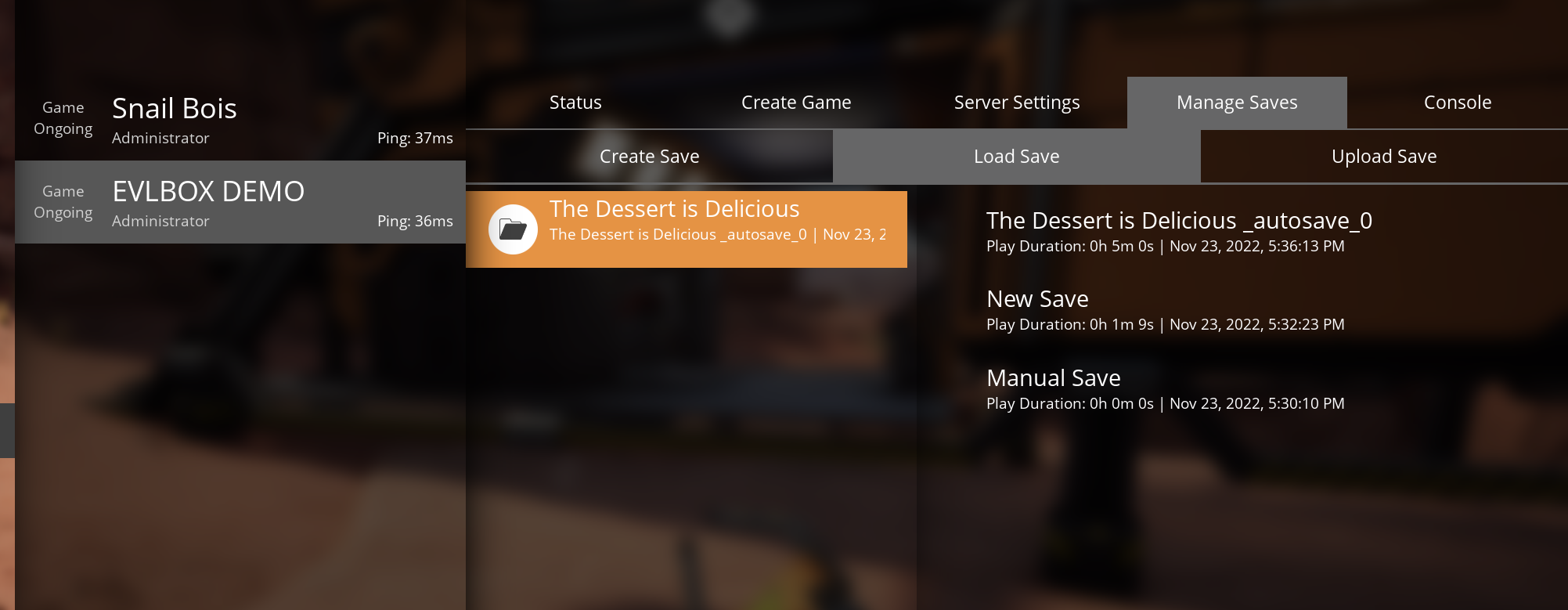
- You can access loading or saving from here. If you choose load your current changes may not be saved.
Change auto save interval
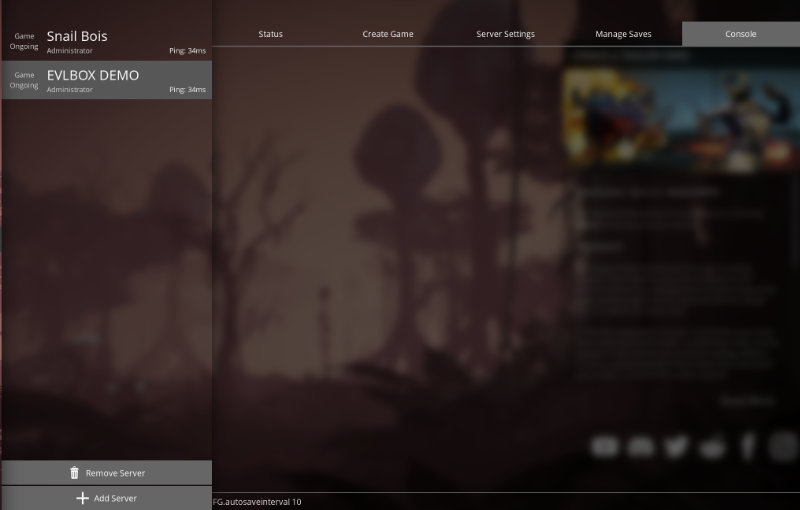
Section titled “Change auto save interval”- From the server manager, choose your server and select console.
- At the bottom window enter FG.autosaveinterval 300 The number is the time in seconds to perform an auto save. By default this is 600 seconds (5 minutes).
- You should set a response back echoing your command, confirming the setting is applied.