Connecting to the Server
Joining your Server
Section titled “Joining your Server”Prefer to watch this in video form?
Set a server name
Section titled “Set a server name”- Login to nitro.evlbox.com, and locate your Sons of the Forest server.
- Click the “startup” tab in the top menu.
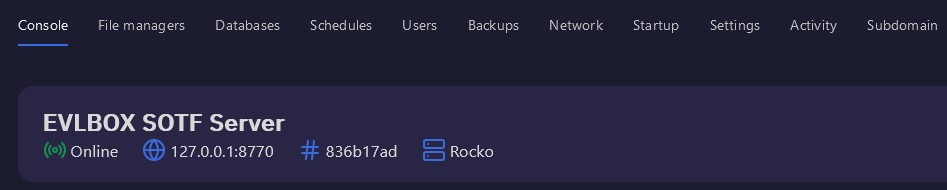
- Enter a unique name in the Server Name field. You will use this name to find your server. We suggest using your username in the name to make it easier to find and join.
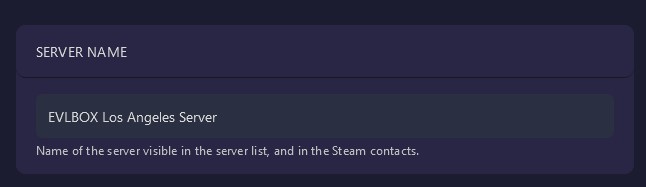
- After setting a name, restart your server from the console menu.
Set a password
Section titled “Set a password”Passwords are not required but we highly reccomend you set one!
- In the startup tab of your server, enter a password in the server password field.
- After changing this, restart your server from the console menu.
Joining your Server
Section titled “Joining your Server”- Launch Sons of the Forest
- Click Multiplayer -> Join

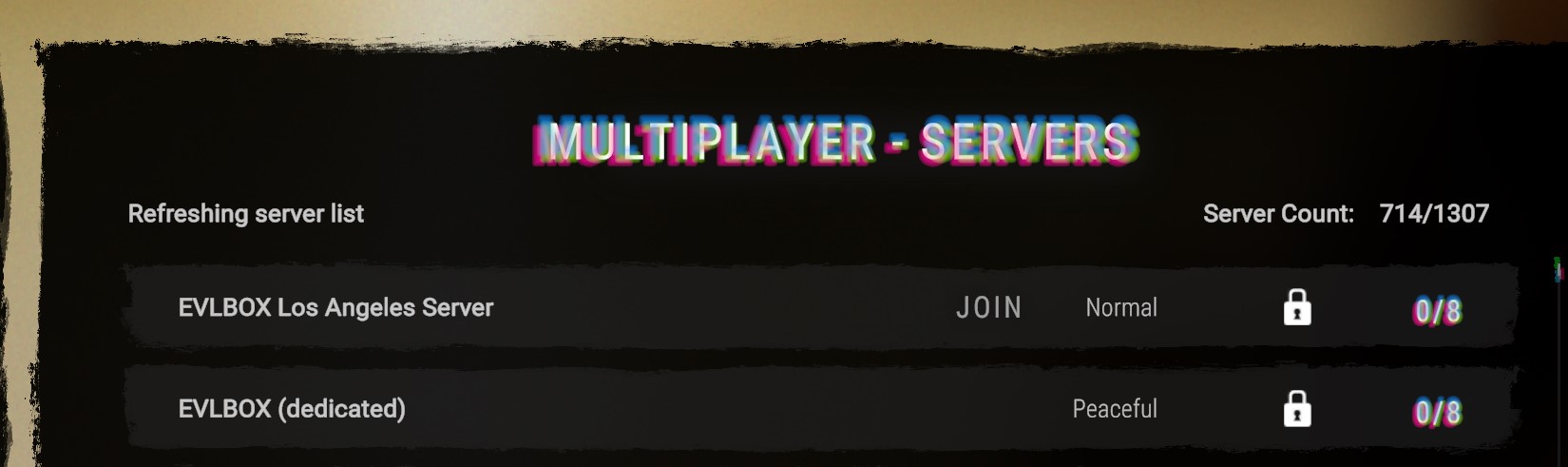
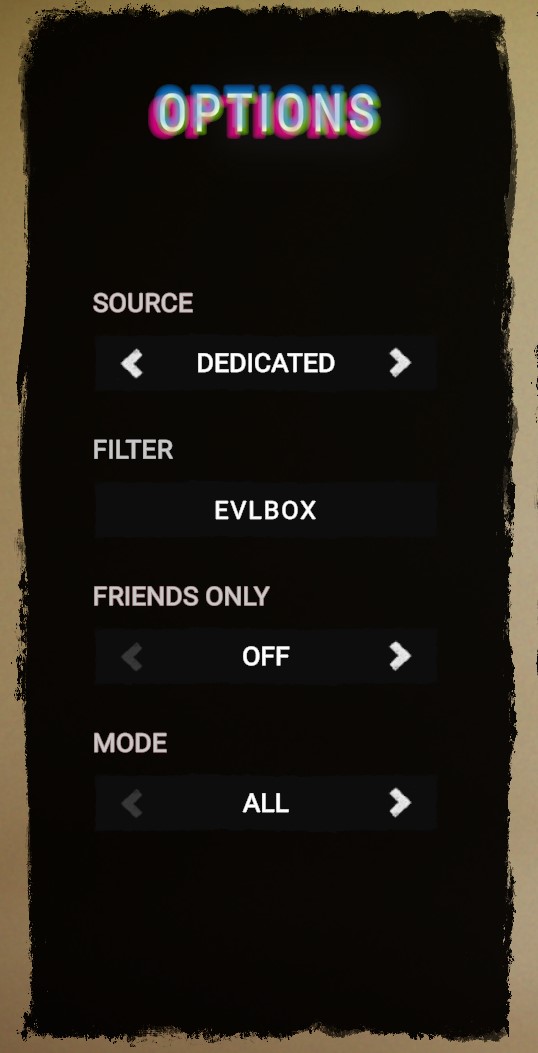
- Set the Source to Dedicated, enter your unique server name in the filter box and press enter. We suggest only using one word for the best results.
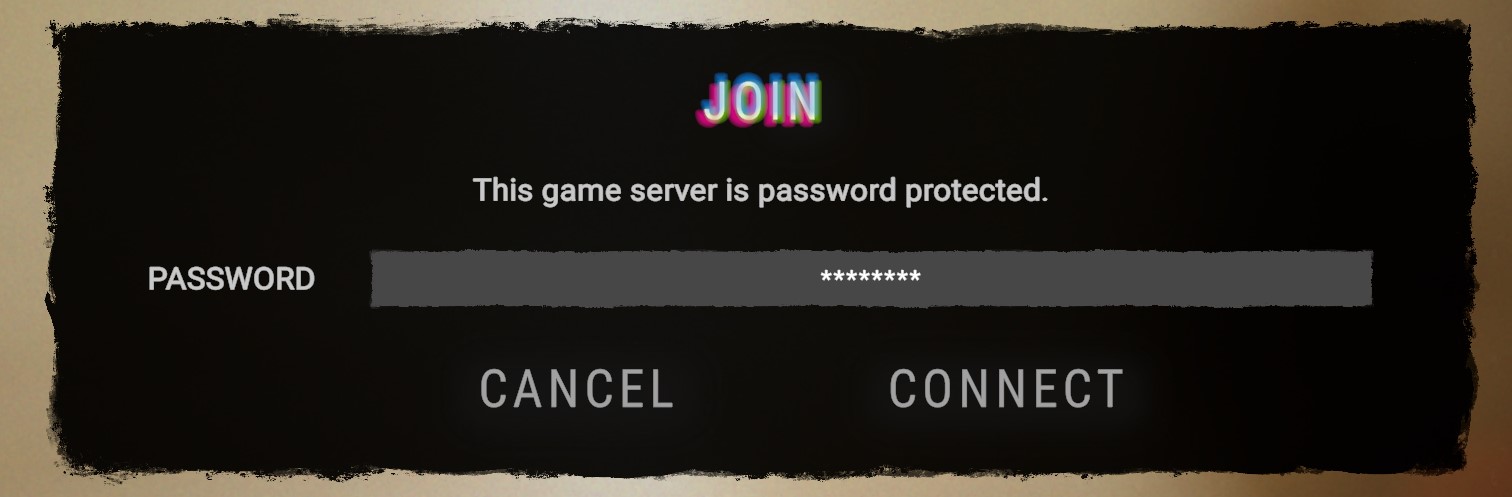
- Join your server, and enter a password.