
Secure your VPS Control Panel account with MFA
MFA VPS
Section titled “MFA VPS”Login To The Panel
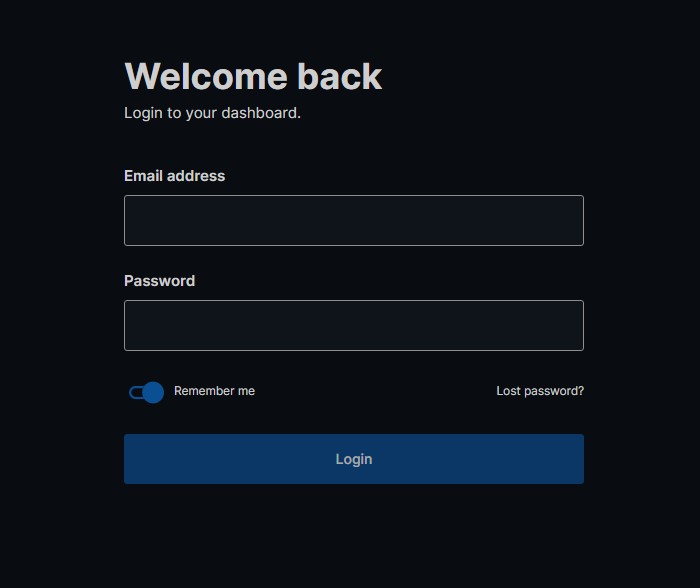
Section titled “Login To The Panel”Below is the client login for the VPS Panel https://vf.evlbox.com/login
Go to Security Settings.
Section titled “Go to Security Settings.”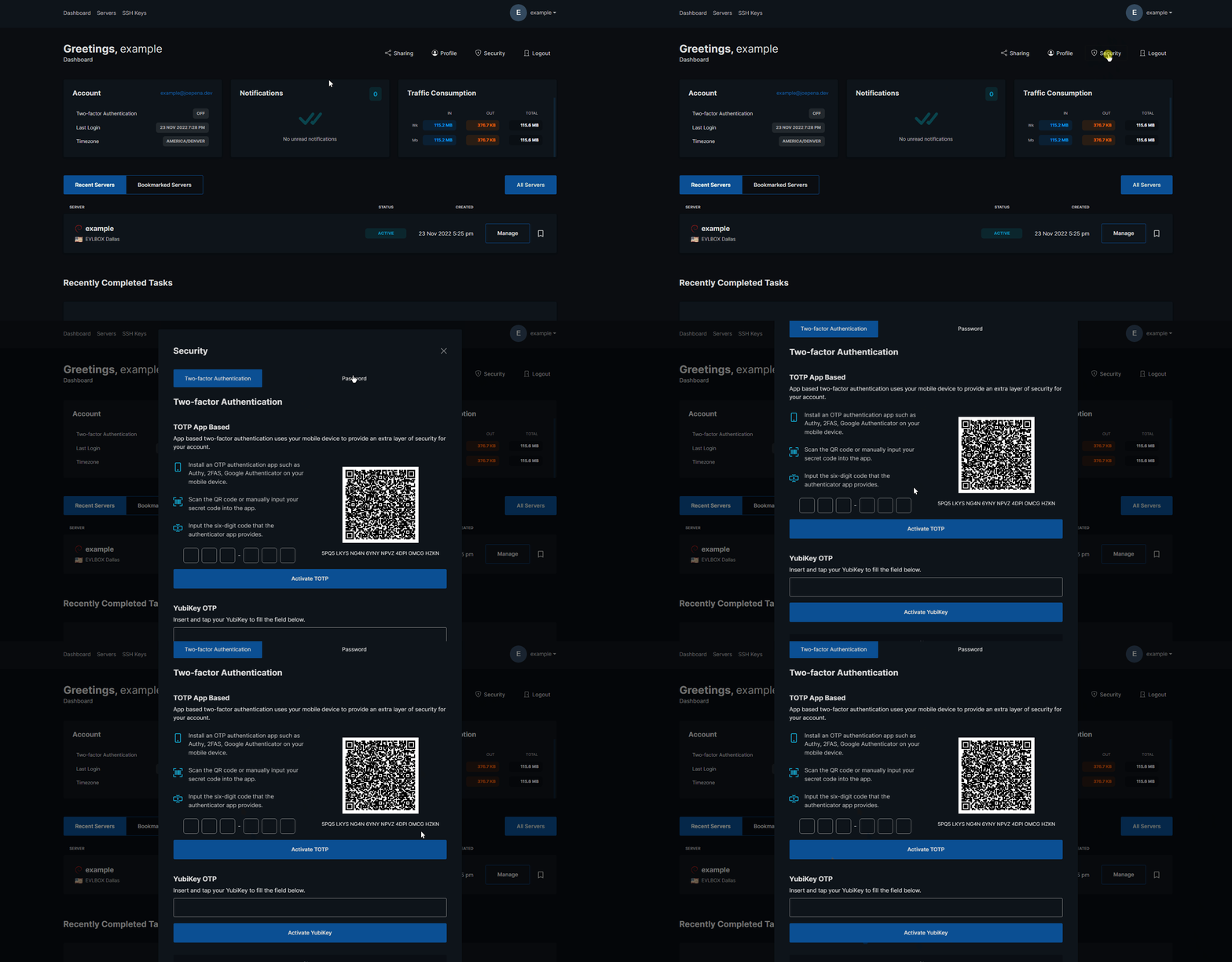
At the moment you have 2 options to choose from, None (No Multifactor authentication), YubiKey OTP, or TOTP App Based.
None - No multifactor authentication, Password Only (Not recommended)
TOTP App Based - Add the QR code to any two-factor app of your choice and generate a TOTP any time you open the application on your phone.
YubiKey - Using a Hardware Authentication Key from https://www.yubico.com/, you can substitue this for a TOTP
The None option is not recommended due to your account being at risk as soon as your password is compromised.
Enable App
Section titled “Enable App”If you choose the Enable App option, you will need a two-factor authentication app such as Google Authenticator, Authy, etc. You must scan the QR code given on YOUR screen and add this as a new entry in the app. Do not scan the below QR CODE
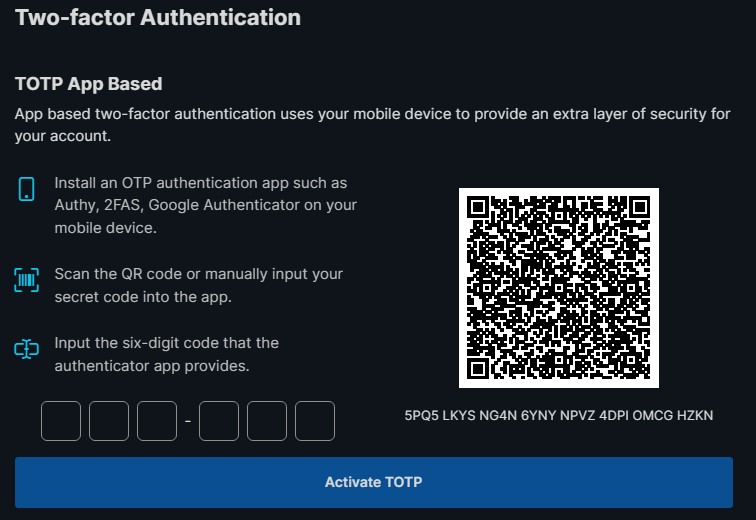
Once you have completed this the APP will show you the OTP for this service, you must enter the unique OTP in the APP into the “Confirmation Code” field and press the submit button