Reinstall OS on a VPS
Reinstall OS
Section titled “Reinstall OS”Login To The Panel
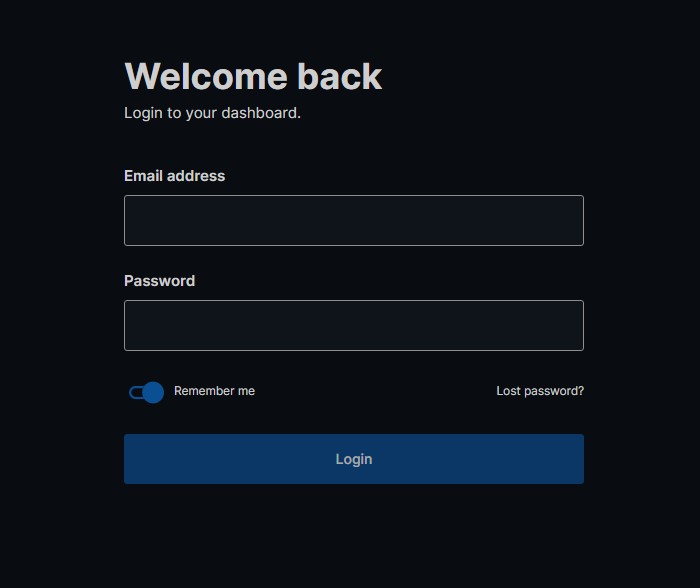
Section titled “Login To The Panel”Below is the client login for the VPS Panel https://vf.evlbox.com/login
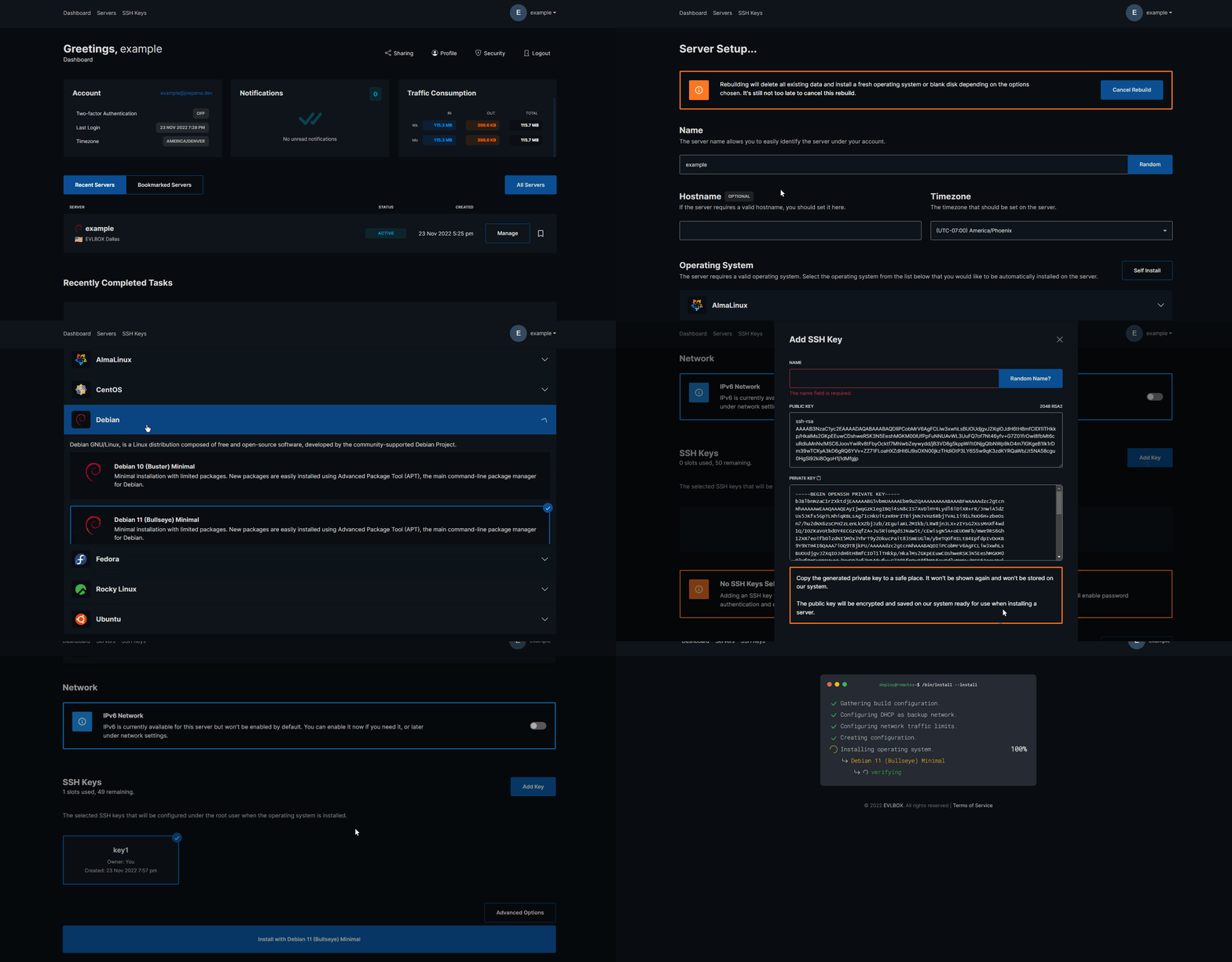
Navigate to your server and Rebuild.
Section titled “Navigate to your server and Rebuild.”- Select the “Manage” button for your server.
- Press the “Rebuild” Button and Comfirm you wish to rebuild.
- From here you will be re-directed to the initial provision page where you will select a OS, Name, SSH Keys, Timezone, Hostname, VNC Enable, DNS Resolvers.
- Press the install button at the bottom of the page.
- Wait for your server to be installed.