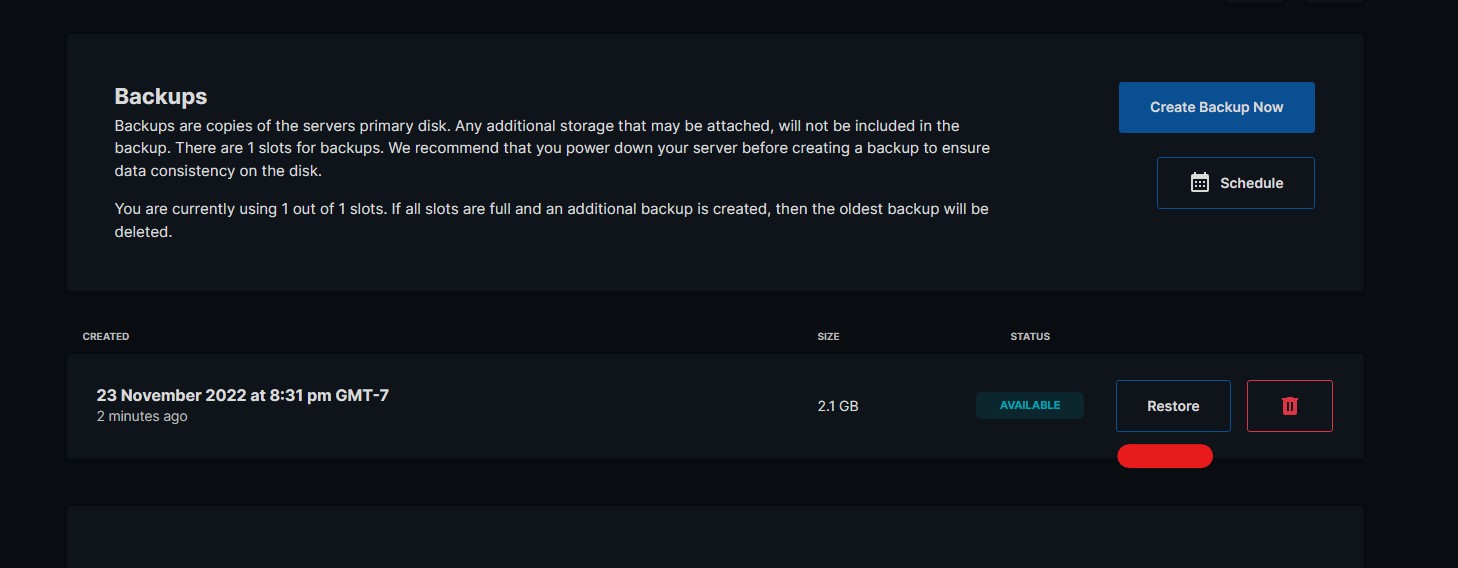
Creating Snapshot Backups
Snapshot Backups
Section titled “Snapshot Backups”Snapshot backups capture an image of the state of your VPS’s hard drive. EVLBOX stores snapshot backups off-site on remote storage to increase the possibility of restoring VPS’s should a catastophic event occur.
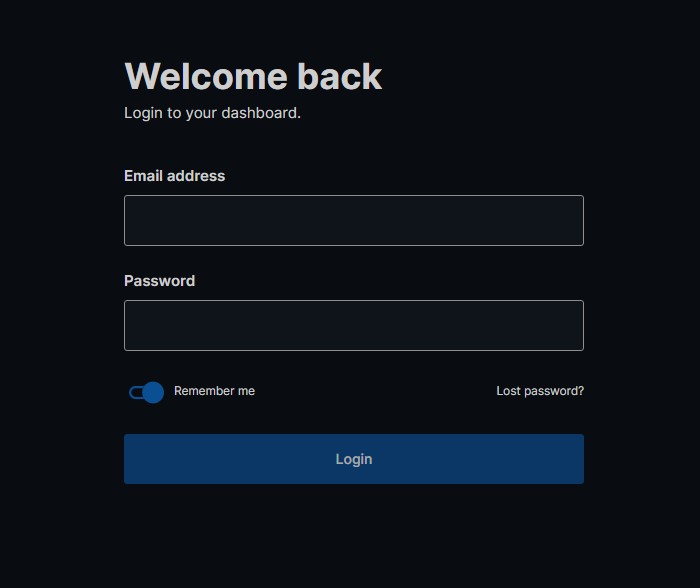
Login To The Panel
Section titled “Login To The Panel”Below is the client login URL for the VPS Panel https://vf.evlbox.com/login
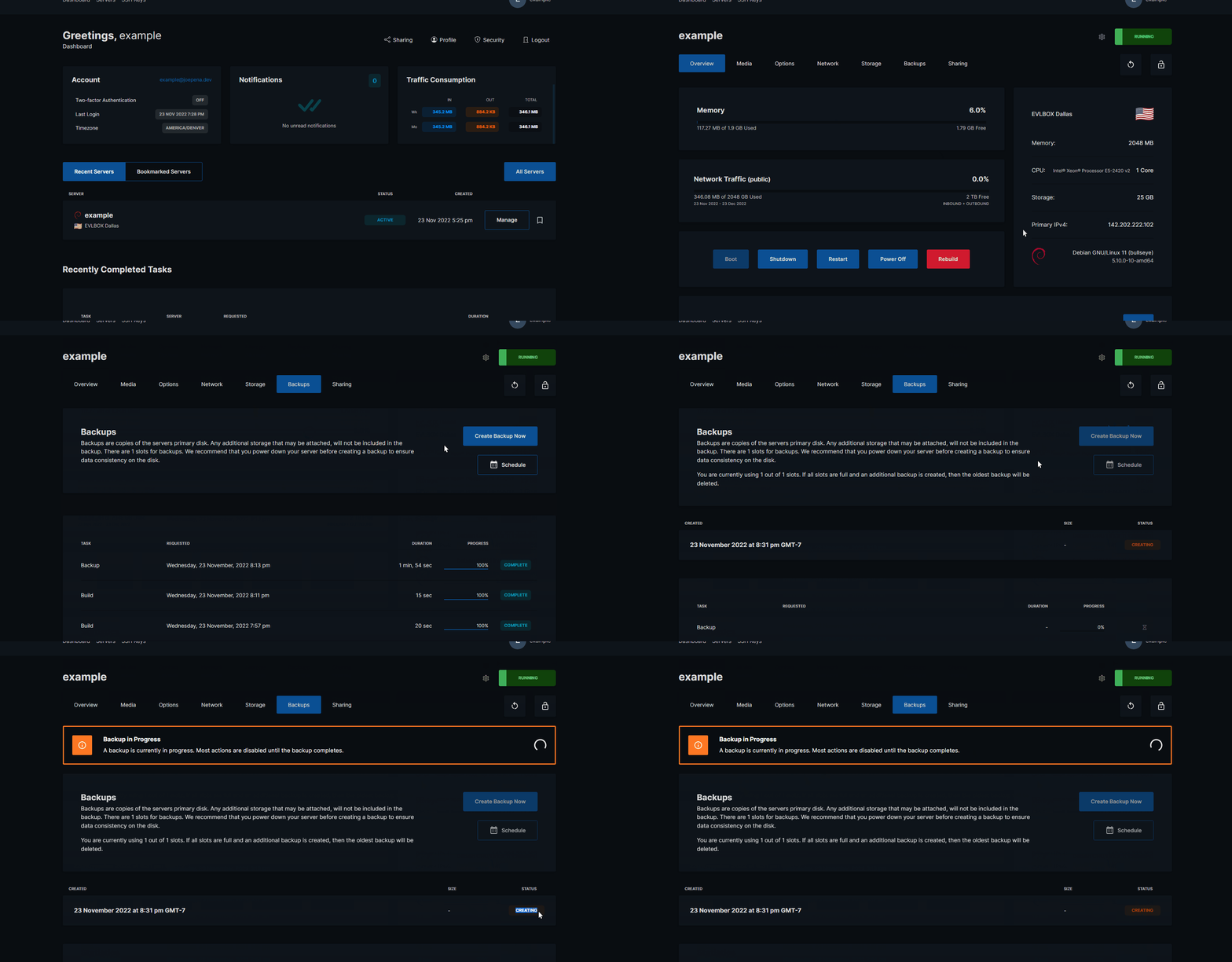
How To Backup
Section titled “How To Backup”- Go to VPS Management Page .
- Find your VPS and select the “Manage” Button.
- Select the “Backups” tab from the top navigation bar.
- Press the “Create Backup Now” Button.
- Wait for the backup to complete.
How To Restore From A Backup
Section titled “How To Restore From A Backup”To restore from a backup.
- Press the “Restore” button to the right of the last backup you last created.
- Comfirm that you wish to restore using this backup.
- Wait for the Restore procedure to complete.