
How to Fix Mod Installation Errors
Common Project Zomboid Mod Errors and How to Fix Them
Section titled “Common Project Zomboid Mod Errors and How to Fix Them”Mods significantly enhance your Project Zomboid gameplay, but sometimes errors occur. A common issue players encounter is when Steam Workshop mods fail to download on the server, resulting in crashes. Here’s how you can quickly resolve this error:
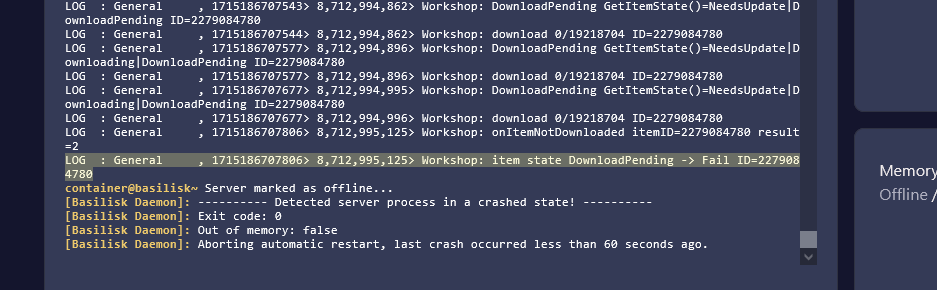
Steam Workshop Mods Fail to Download (“DownloadPending -> Fail ID” Error)
Section titled “Steam Workshop Mods Fail to Download (“DownloadPending -> Fail ID” Error)”If your server shows the error message “DownloadPending -> Fail ID” and crashes when trying to download Steam Workshop mods, follow these easy steps to fix it:
Example of the error:
Step-by-Step Fix:
Section titled “Step-by-Step Fix:”-
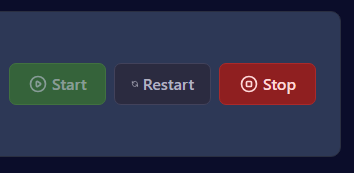
Stop Your Server
- Log into your Nitro Panel and click Stop to shut down your Project Zomboid server.
-
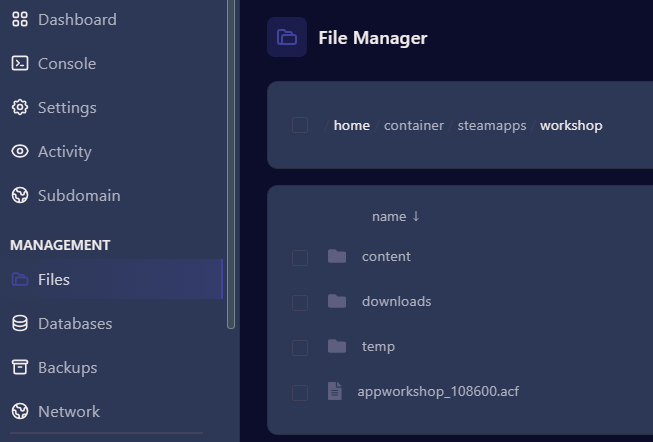
Delete the
appworkshop.acfFile- Navigate to Files → Steamapps/Workshop.
- Locate and delete the file named
appworkshop.acf.
⚠️ Warning:
Double-check that you’re deleting theappworkshop.acffile located specifically inside the Workshop folder.
Do NOT delete the similarly named file in the Steamapps main folder by mistake. -
Remove the
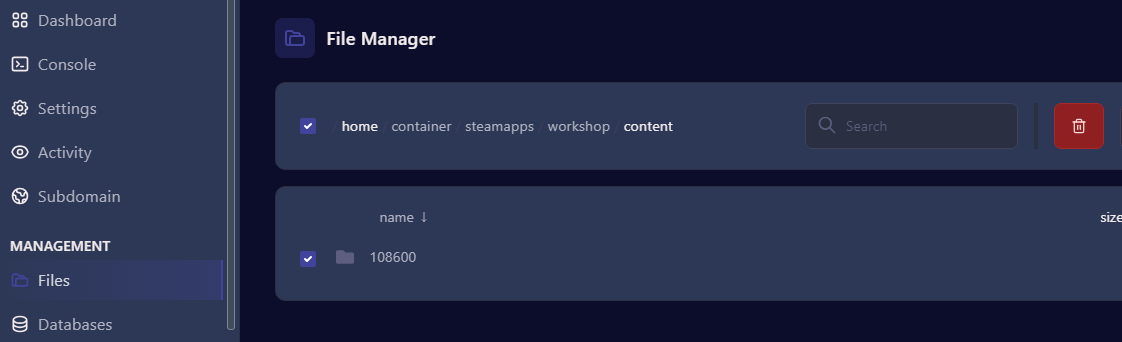
108600Folder from Content- Next, navigate to Steamapps/Workshop/Content.
- Delete the folder named
108600. This folder contains Project Zomboid mod files that failed to download properly.
-
Restart Your Server
- Go back to the Dashboard in the Nitro Panel.
- Click Start to relaunch your server. Mods will re-download automatically upon server startup.
Need More Help?
Section titled “Need More Help?”If you run into any further issues or have additional questions, don’t hesitate to:
- Open a support ticket through your EVLBOX customer portal.
- Join our support Discord for real-time assistance from our community and team.
Reliable Project Zomboid Server Hosting
Section titled “Reliable Project Zomboid Server Hosting”Looking for affordable, reliable hosting for your Project Zomboid server?
EVLBOX offers optimized Project Zomboid server hosting starting at just $4.99/month. Visit our Project Zomboid hosting page to learn more and start your server today!