
How to Set Up a Satisfactory Server for the First Time | EVLBOX
First time setup
Section titled “First time setup”Starting Tutorial
Section titled “Starting Tutorial”We’ve created a tutorial video that covers most of the sections in our Satisfactory documentation.
Find your Query Port
Section titled “Find your Query Port”Due to the way our panel works with Satisfactory, Nitro Panel shows the Game port, which is not the same port you should use to connect to your server. Instead you need to find the query port. We apologize for this inconvinence!
- Login to nitro.evlbox.com
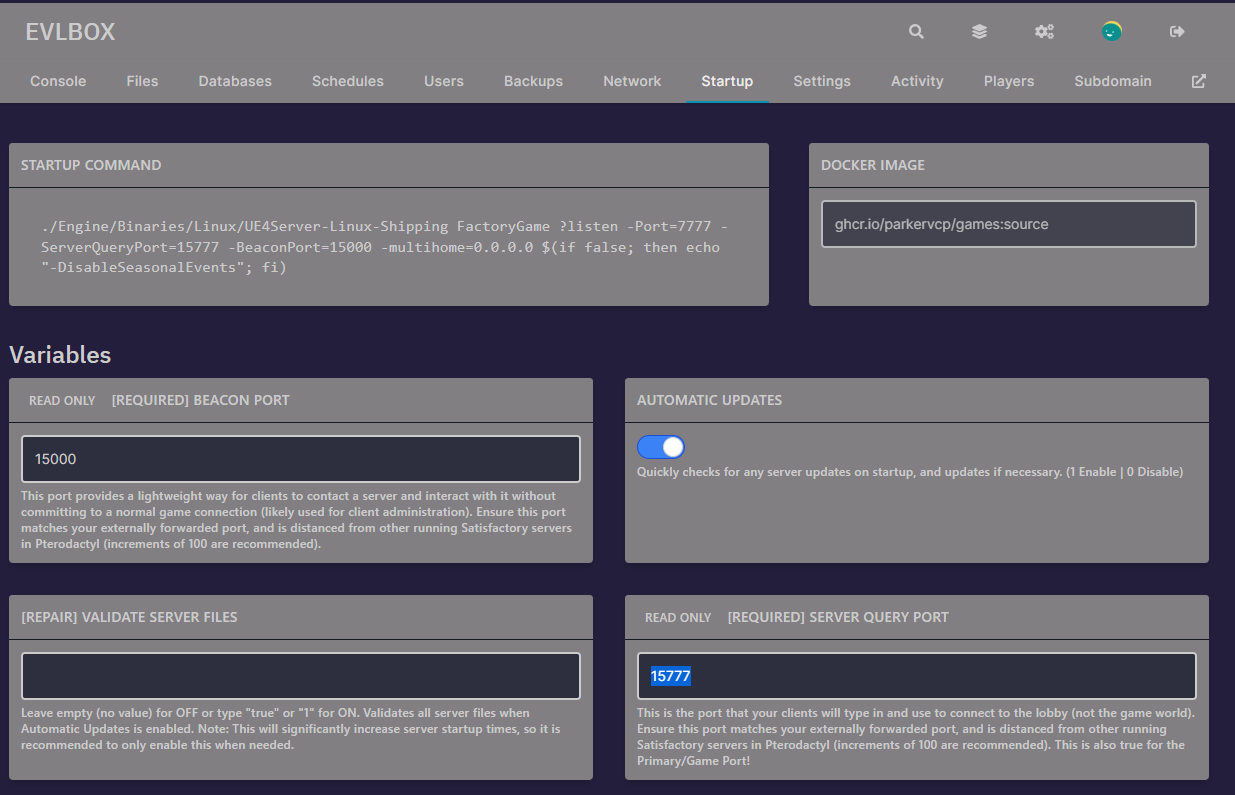
- Click your server and then the “startup” tab and find the Server Query Port field. This is the port you will use to join your server.
Satisfactory Server Manager
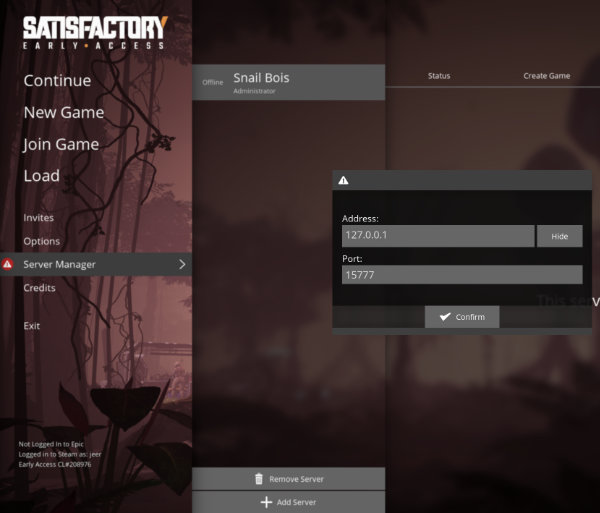
Section titled “Satisfactory Server Manager”- Launch Satisfactory and click the Server Manager from the menu.
- Click add server and enter your Servers IP address (looks like 10.11.12.13). Do not include the number after the colon :
- Enter the query port from the above section (from your startup tab)
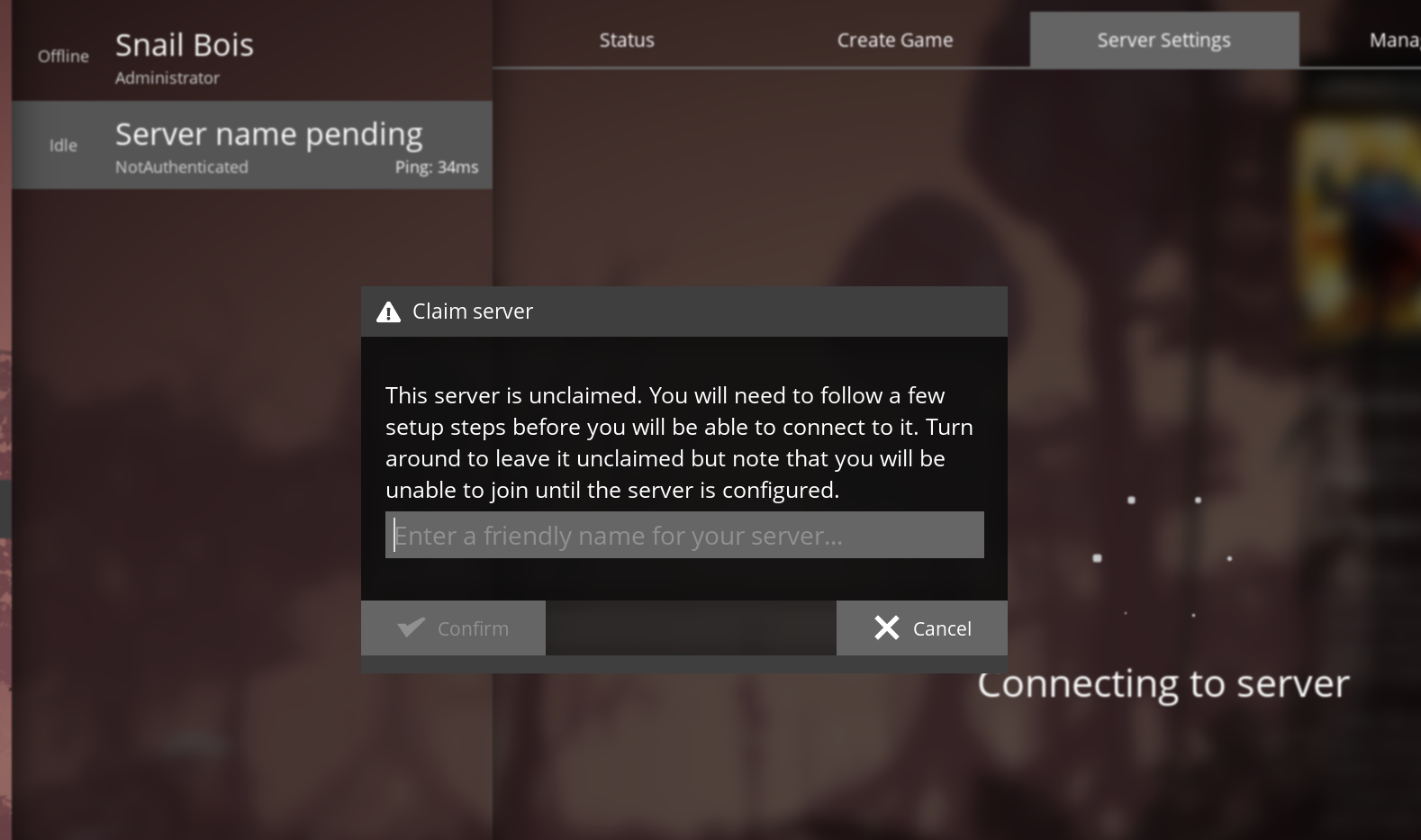
- You are prompted to claim the server, set a name, and set an admin password. Do not share the admin password with people you do not trust.
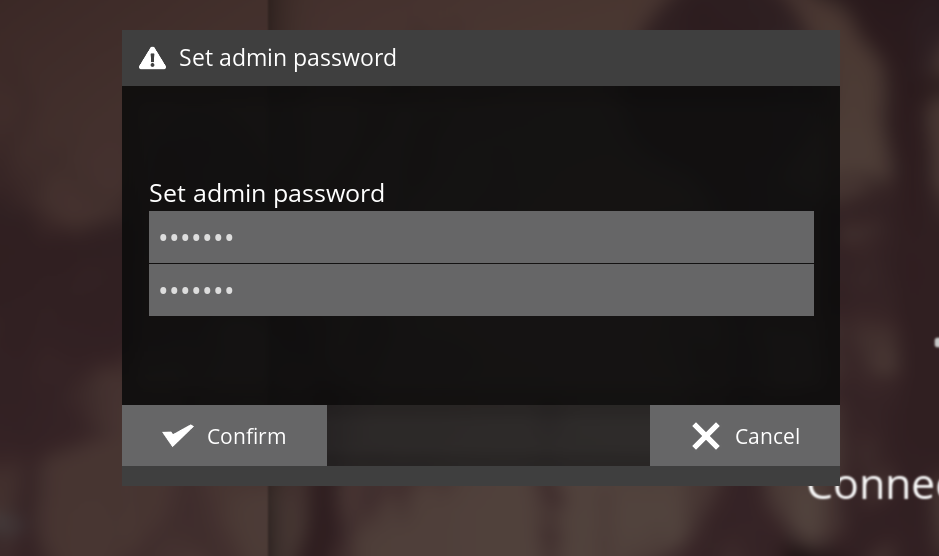
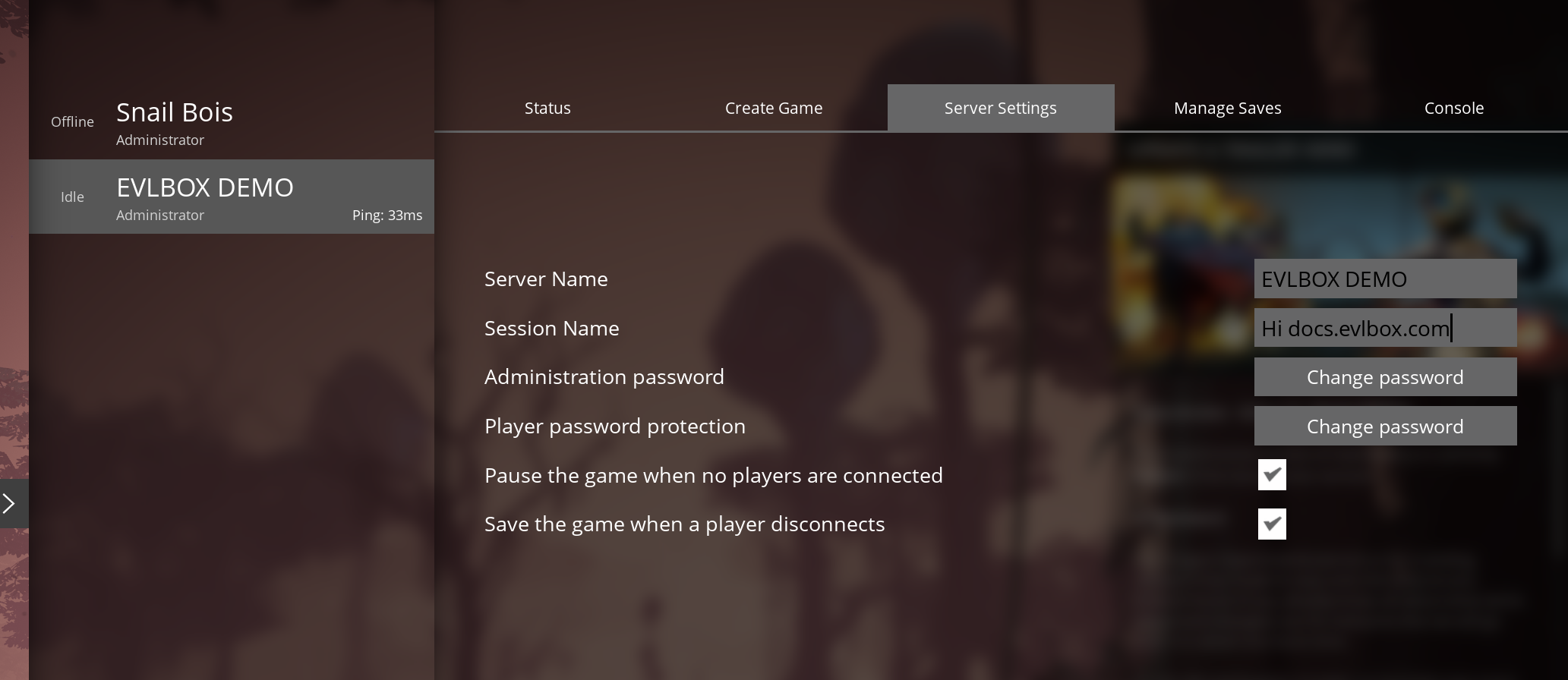
- You are then taken to the server settings tab. Adjust as needed.
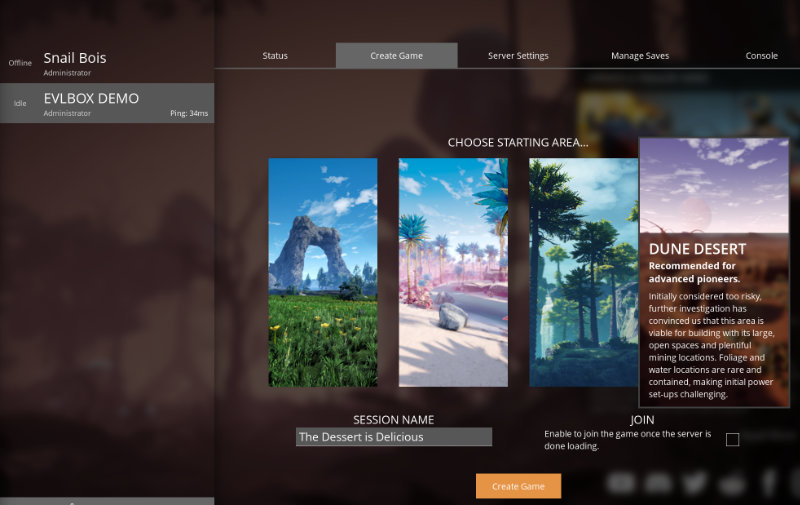
- Click the “Create Game” tab and choose a starting area and set a session name. Tick the “Join” box to auto join after the server starts up.
At this point you and your friends are free to join the server!