🔥 ENSHROUDED 1.0 IS HERE: servers rebuilt for 1.0, every setting in the panel, and a year of any game on the new Flex plan.
Windrose Multiplayer: How to Play Co-op With Friends (2026)
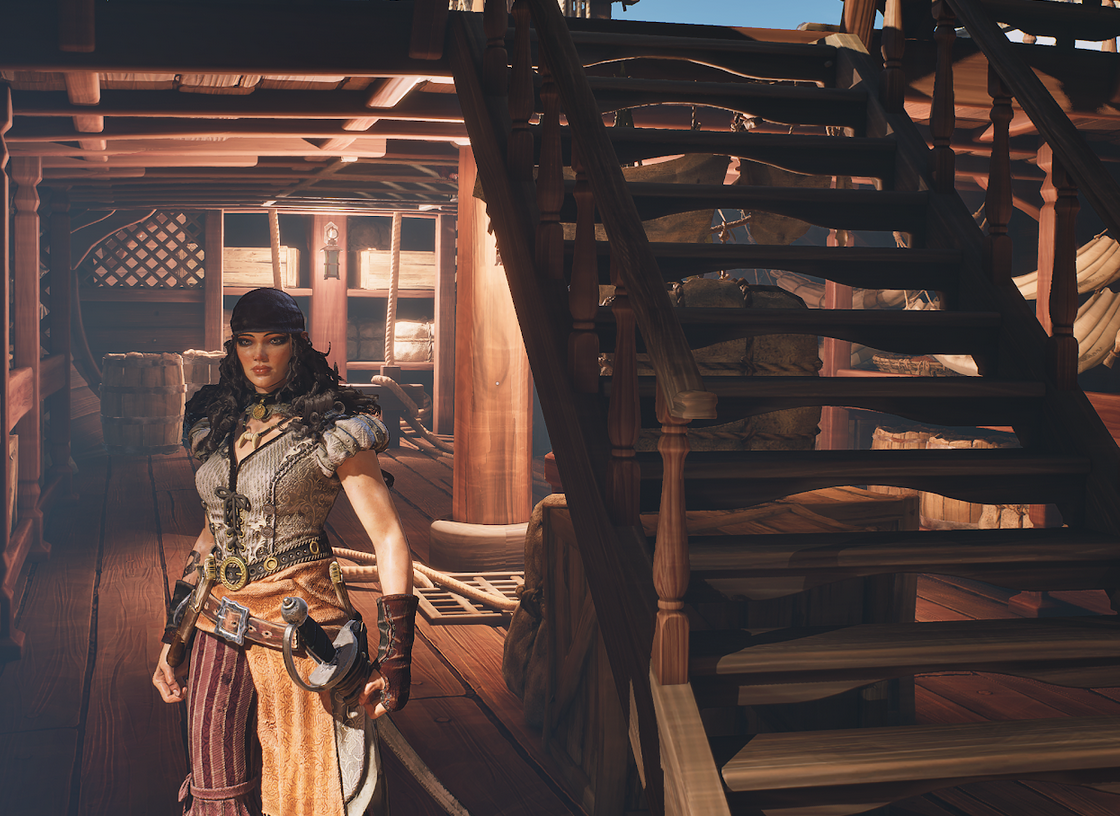
Windrose hit Early Access on Steam this month, and within a few days our crew was already arguing about who left the ship anchored miles from civilization... If you're trying to figure out windrose multiplayer — how to get friends into a game, how big a crew you can run, and whether your buddy on Epic can sail with you — this is the post. This game is in early access, and the devs have been shipping updates like mad which always lovely to see in the midst of slop-infested-waters...
How many players can play Windrose together?
Eight. Eight is the stable max for windrose multiplayer right now, with a 10-player mode in testing. Before you buy nine copies though — the devs themselves recommend 4 for the best experience, especially late-game once the world is full of structures, enemies, and physics-heavy ship combat.
So the actual answer to "how many players windrose supports":
- 2–4 players — the sweet spot. Smooth, stable, plays the way it was designed to.
- 5–8 players — works fine, but expect more performance variability the more crew you cram aboard.
- 10 players — testing branch. Treat it as experimental.
This is a PvE pirate game with naval combat, base building, and a procedurally generated archipelago — all of which eats CPU and RAM. More players means more ships in the world, more loaded chunks, more AI. The 4-player recommendation isn't a marketing dodge, it's a real performance floor anyone running an 8-person crew on a home PC will feel.
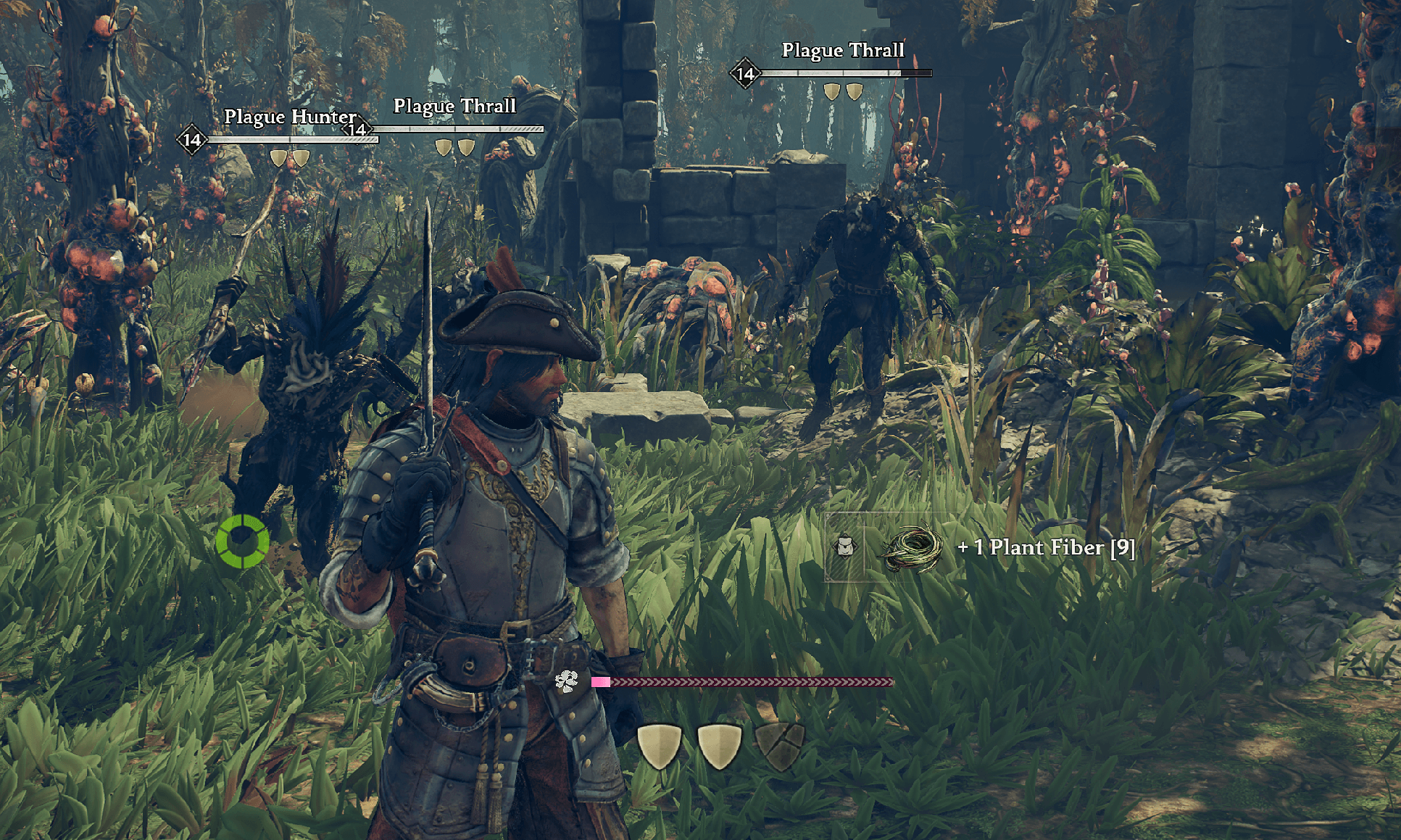
Off-ship exploration — swamp ruins, Plague Hunters, and plenty of... plant fiber
How to play Windrose co-op with friends (3 ways)
There are three realistic ways to get your crew together. They all work — they're just suited to different situations.
1. Host a peer-to-peer session yourself. Easiest path. Launch the game, start a world, and invite friends from your Steam friends list (or Epic friends, or Stove friends — whichever storefront you bought it on). They drop in via your session. The downside: when you log off, the world is gone until you log back in. Anyone who wants to play has to wait on the host. Fine for a Saturday night. Frustrating for a long campaign.
2. Join a friend's session via invite code. Same idea, you're just on the receiving end. Open the multiplayer menu, paste the invite code, you're in. This is the path most people take their first night.
3. Play on a dedicated server. A dedicated server runs the world 24/7 on hardware that isn't your laptop. Players hop in and out on their own schedule, progress keeps moving whether anyone's online or not, and nobody is held hostage to the host's bedtime. It also offloads the hosting work to a separate machine — your PC stops doing double duty as game client and server, which usually means smoother frames and lower ping for whoever was getting stuck hosting before. This is the path I'd recommend the second anyone in your crew says the words "I can't play tonight, can someone else host?" — that's the moment peer-to-peer stops scaling.
Two ways to actually connect: an invite code (a short string like f1014dc1) or a direct address (hostname:port). The in-game FIND SERVERS panel has a tab for each. Same result either way. On a rented EVLBOX server you get both — a code you can rotate from the panel, plus a stable hostname like adventure.evlbox.com:6297 that never changes. No port forwarding on the player side, ever.
Skip the host-PC shuffle
Windrose servers from $16/mo — online in 3–4 minutes, no port forwarding, crew joins with one invite code. Use code WINDROSE-BLOG for 25% off your first two terms.
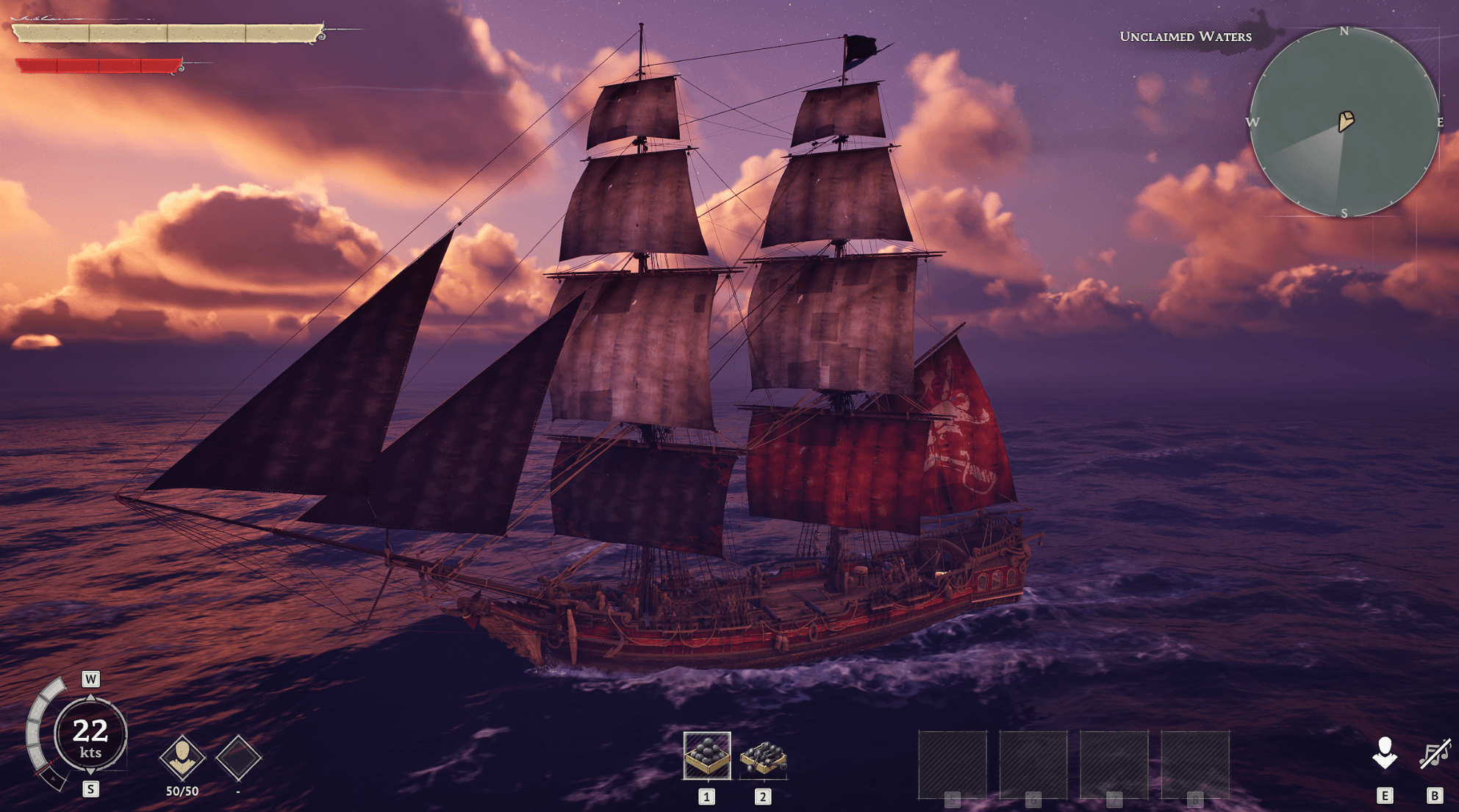
Crew bonding moment, somewhere off the coast of nowhere.
Does Windrose have crossplay?
Yes — and the internet has this one spectacularly wrong.
Search "windrose crossplay" right now and you'll find a wall of articles confidently telling you Steam and Epic players can't play together. None of them cite a dev source. The Windrose team hasn't published anything saying crossplay is blocked — not on playwindrose.com, not in the FAQ, not in the dedicated server guide, not on the Steam page. One early guide got it wrong, the SEO sites copied each other, and the AI content farms regurgitated it until it became "common knowledge." It's wrong.
What's actually happening, per us testing it and the Windrose Discord backing it up: stand up a dedicated server, share the invite code or address, and Steam, Epic Games Store, and Stove players all join the same world. The dedicated server is one binary no matter where the host installed it from, the connection routes through Windrose's own gateway (not Steam matchmaking or Epic Online Services), and the storefront a player bought from doesn't show up anywhere in the connection flow.
The one place your storefront does matter is friends-list invites — your Steam friends list only shows Steam friends, Epic only shows Epic friends. So if your crew is mixed, skip the friends-list invites and just paste the code or the address in Discord. Everyone gets in the same way.
It's Early Access, the devs haven't made an official statement either direction, and that could change in a patch. But the "no crossplay" line floating around right now doesn't survive contact with an actual server.
No console version either — Windrose is PC at launch. You and your crew are hunting Blackbeard from a keyboard.
Mixed Steam / Epic / Stove crew?
A dedicated server is the crossplay path that just works — everyone joins with the same code, storefront be damned. Plans sized for 2–8 player crews.
See Windrose plans & pricing →When you should rent a Windrose dedicated server
Peer-to-peer is fine for two or three people who all play at the same time. Once your crew gets bigger, schedules stop lining up, or someone starts a base they really don't want to lose to a host disconnect, a dedicated server starts paying for itself.
You're probably ready when:
- You have 4 or more regular players on different schedules. Once you hit windrose 8 player territory, peer-to-peer gets rough on whoever's stuck hosting.
- Progress stops the moment one specific person logs off.
- You want the world to be there when you want to play, not when the friend with the best PC happens to be awake.
- You're tired of the "wait, can someone else host tonight, my upload is fried" dance.
A windrose dedicated server also gives you a flat stability upgrade — server-grade hardware, real upstream bandwidth, DDoS protection, and offsite backups so a corrupted save doesn't end the campaign. If your group has done the peer-to-peer shuffle more than twice, you already know which one of you is going to break first and pay for it.
If that's you, you can rent a Windrose server from us — I wrote a separate post breaking down what hardware you actually need for 4-player vs 8-player crews, and what the windrose coop experience looks like when the world stops being tied to one person's PC. (And yes, all the spellings — windrose coop, windrose co op, windrose co-op. House style around here is co-op.)
Or jump straight to our Windrose hosting plans if you already know the size of your crew and just want pricing.
Coupon for reading this far: use code WINDROSE-BLOG at checkout for 25% off your first two terms on any monthly or quarterly Windrose plan.
TL;DR
- 8 players is the stable max. 10-player is in testing. Devs recommend 4 for best performance.
- Crossplay works in practice — Steam, Epic, and Stove players join the same dedicated server. The "no crossplay" line floating around the internet doesn't hold up to testing.
- Three ways to play: host yourself, join a friend, or run a dedicated server.
- Connect via invite code or direct address (hostname:port) — both are first-class options. No port forwarding required on the player side.
- If your crew has scheduling problems or is bigger than 4, a dedicated server stops being optional
Windrose is Early Access and a lot of this will move — especially the player count and the crossplay situation. I'll keep this page current as the devs ship updates. Check the date stamp under the player count section to see how fresh it is.
Further reading: Windrose on Steam and the official Windrose site.
- Authors