🔥 ENSHROUDED 1.0 IS HERE: servers rebuilt for 1.0, every setting in the panel, and a year of any game on the new Flex plan.
Satisfactory 1.2 Experimental Update: What's New and How It Runs on Dedicated Servers
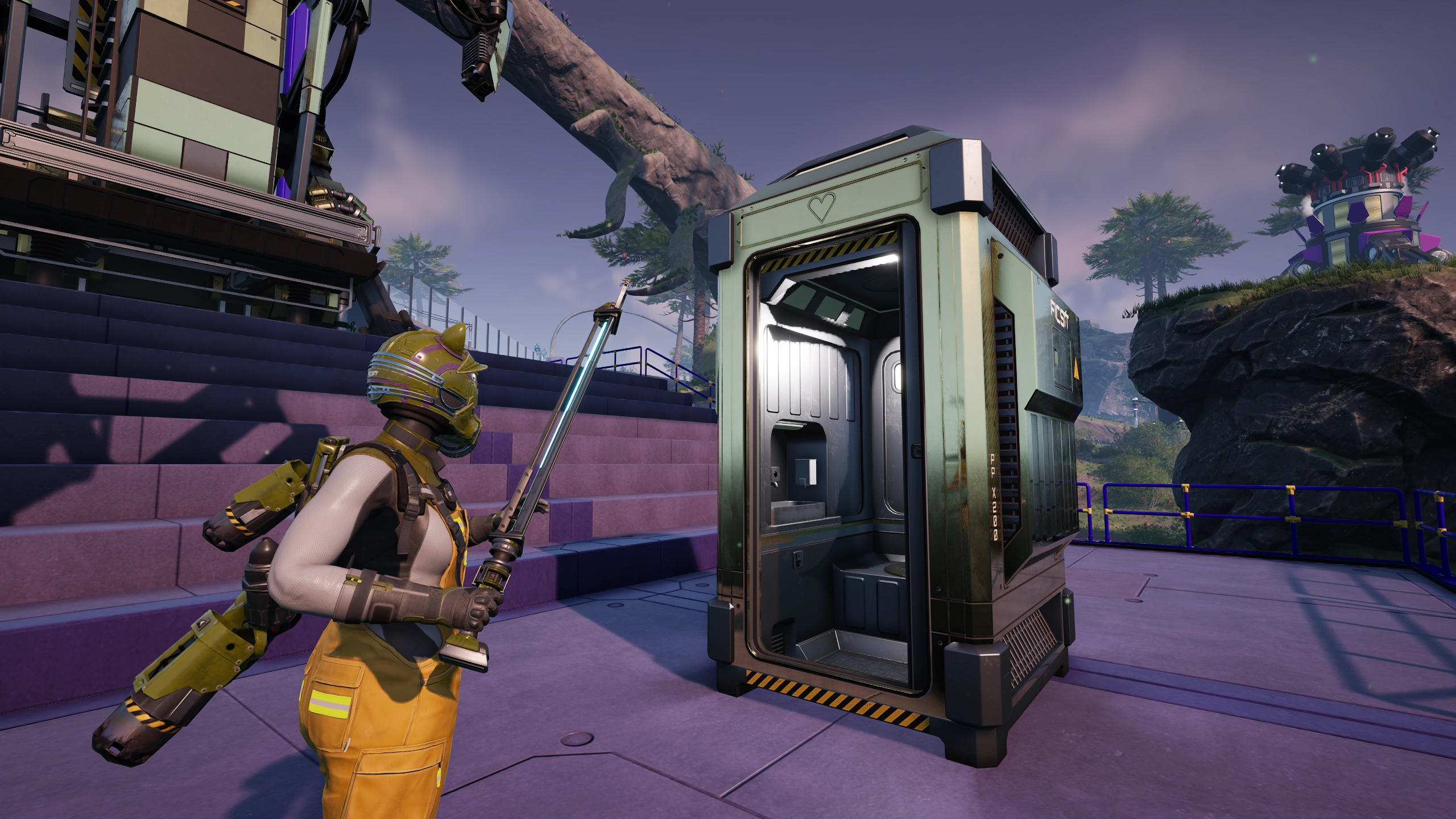
Satisfactory 1.2 experimental just dropped, and we had it running on EVLBOX servers from the moment it went live. Coffee Stain Studios packed a solid set of features into this update: dynamic weather, a selfie camera, the hilariously named SPWN toilet, overhauled vehicle pathing, and most importantly for server hosts, brand new game mode settings that give admins real control over world difficulty.
Here's what's actually in the update and how it's running on our dedicated servers right now.
Weather System
Satisfactory 1.2 introduces a dynamic weather system to the world. Rain, fog, and atmospheric effects now cycle through as you play. It's purely visual and atmospheric, so it won't affect your factory's performance or output. But it does make the world feel a lot more alive, especially in biomes that previously felt static. If you've spent 300+ hours staring at the same sunny sky over your oil fields, this is a welcome change.
Selfie Camera
Coffee Stain added a photo mode selfie camera, and it's exactly what it sounds like. You can now snap in-game selfies of your character. It's a small addition, but it's great for showing off builds to friends or posting factory tours (or just bein cute af).
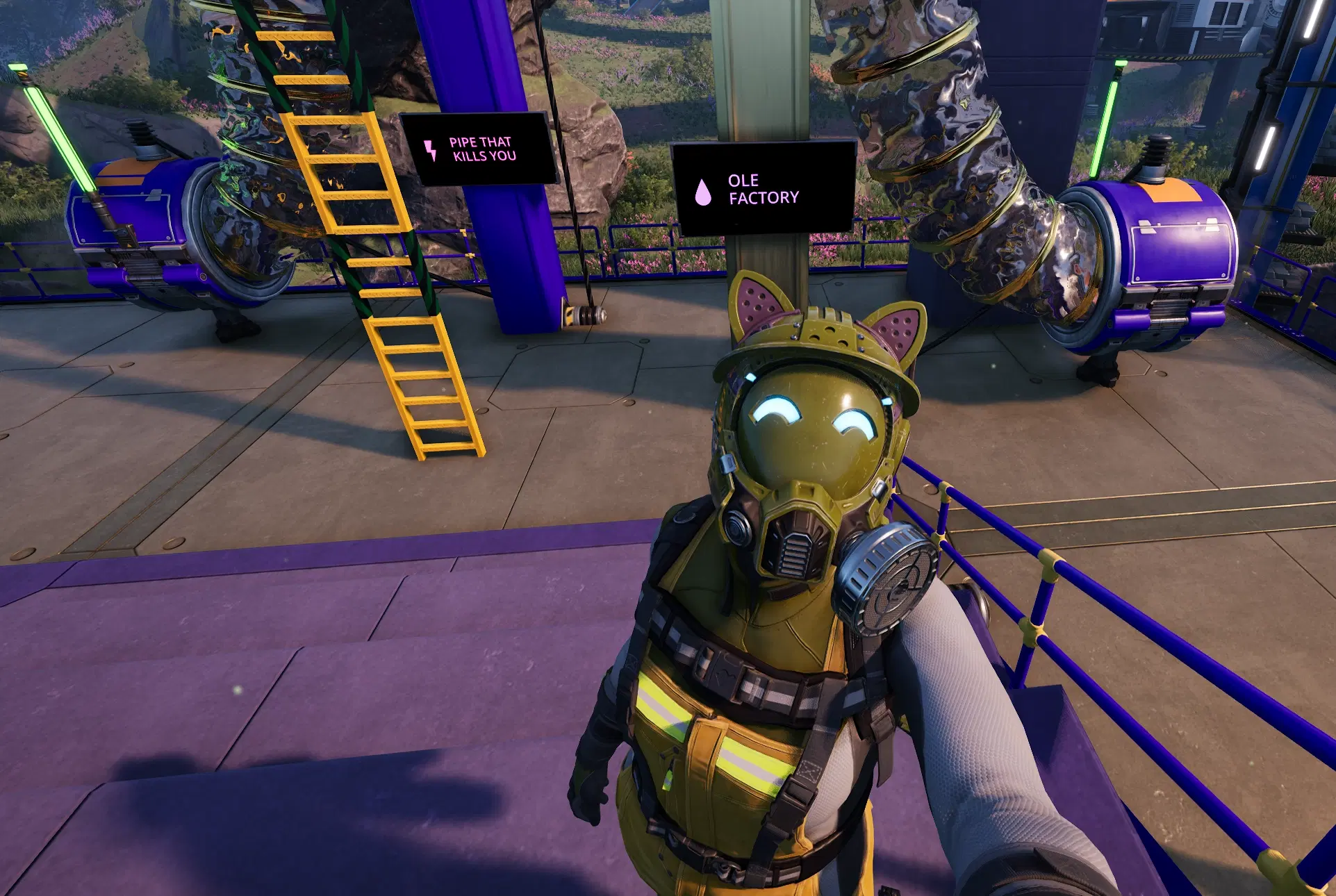
I tested it out immediately (oil or death?). The selfie camera captures exactly the kind of factory personality that makes Satisfactory screenshots fun.
The SPWN Toilet: Spawn Point + Item Disposal
If you've played Satisfactory, you know there's already a toilet at the HUB. Coffee Stain took it a step further. The SPWN toilet is a portable, placeable version that you can build anywhere. Drop one down and set it as your spawn point, giving you a lightweight respawn location without trekking back to the HUB every time you die.
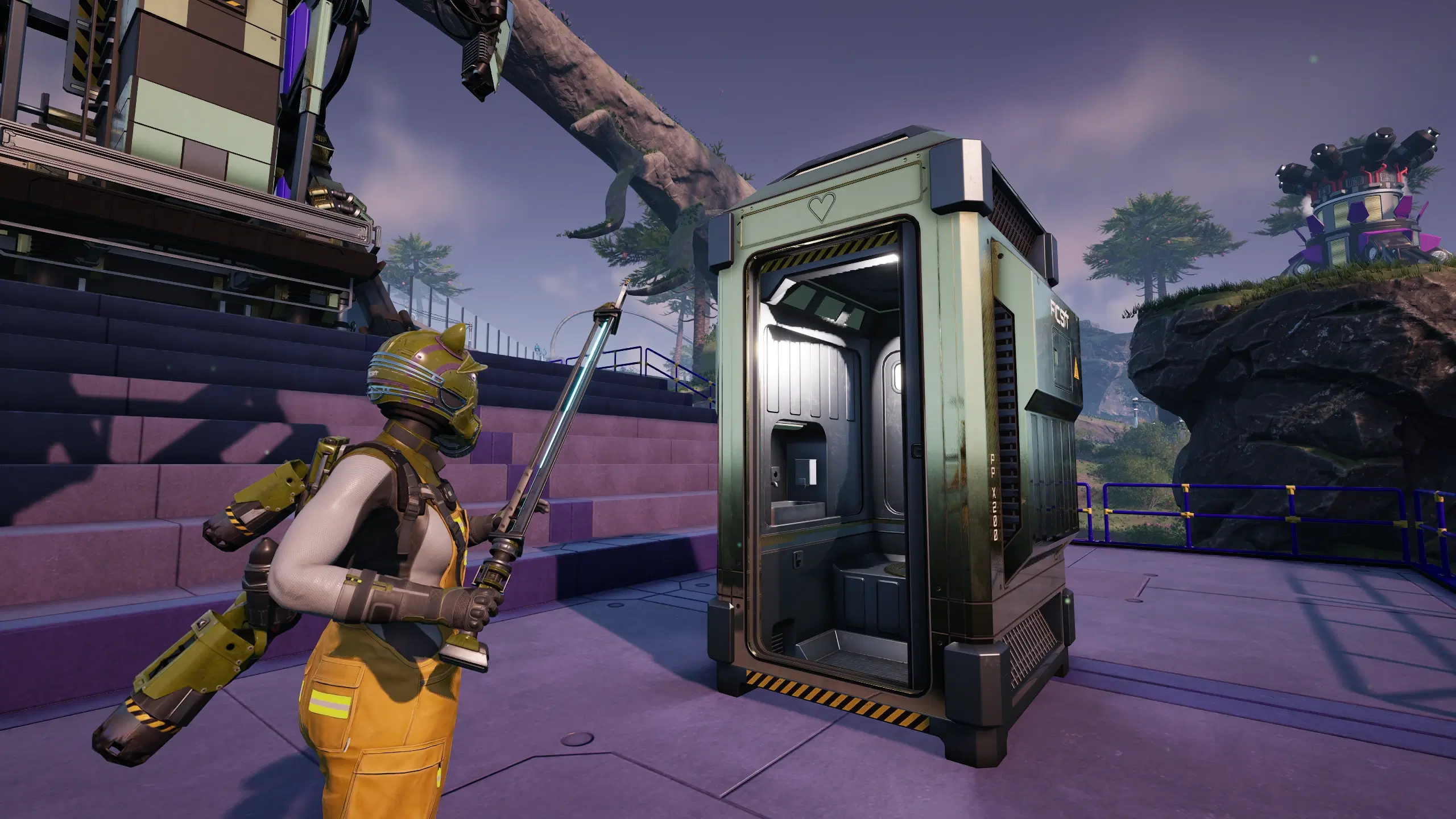
But it also doubles as a trash can. Open the toilet's UI and you get an inventory grid where you can dump unwanted items. Hit the trash button and they're gone. Need to clear out a bunch of leftover iron rods or old equipment? Flush it.
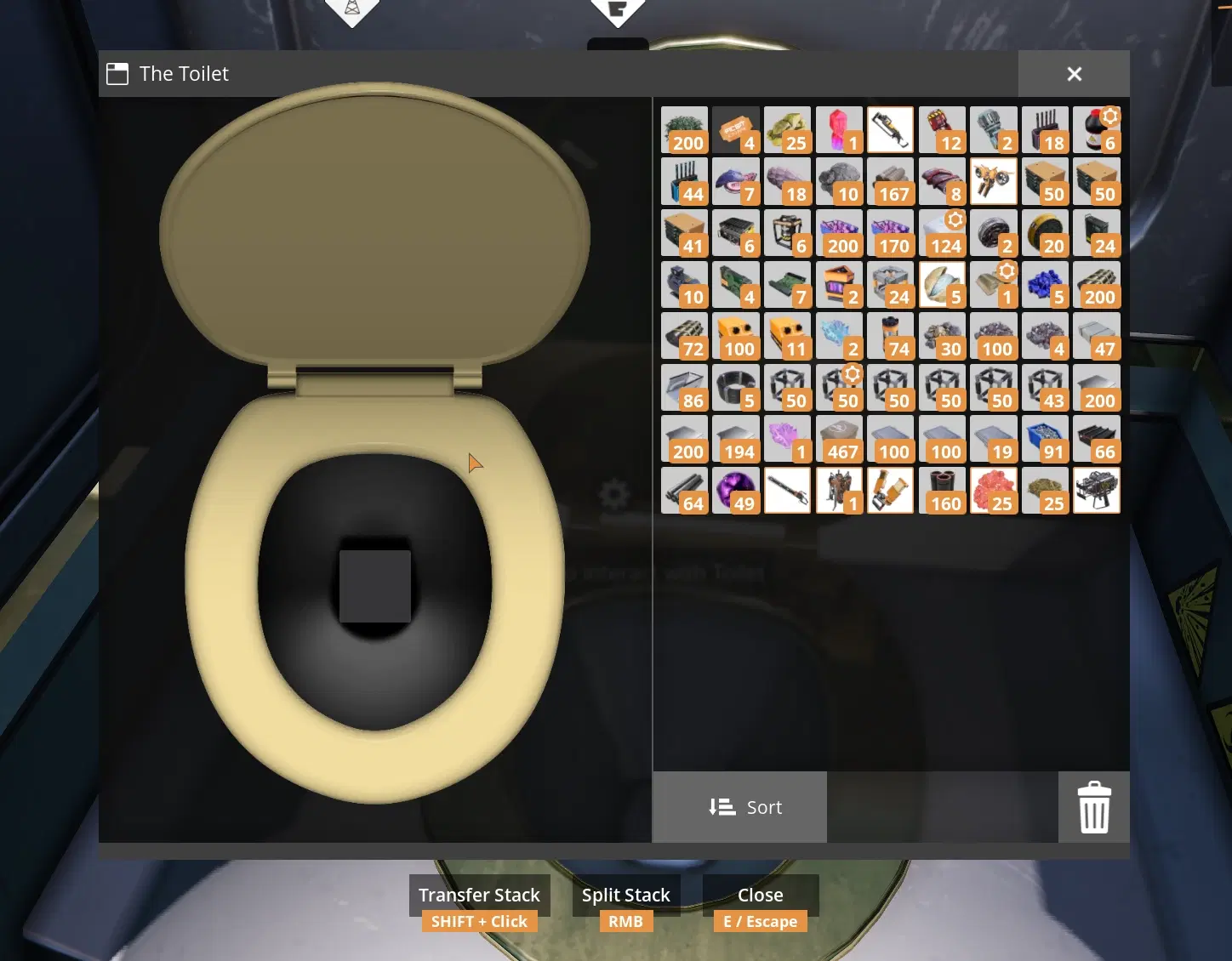
It's goofy, it's functional, and it's going to be placed in every factory within a week.
Vehicle Paths: Satisfactory Truck Station Gets a Major Upgrade
The vehicle path system in Satisfactory 1.2 is a huge quality-of-life improvement. You can now set up truck routes and paths similar to how train rail lines work. Instead of manually driving a truck between stations and hoping the autopilot doesn't launch it off a cliff, you can define actual paths for your vehicles to follow.
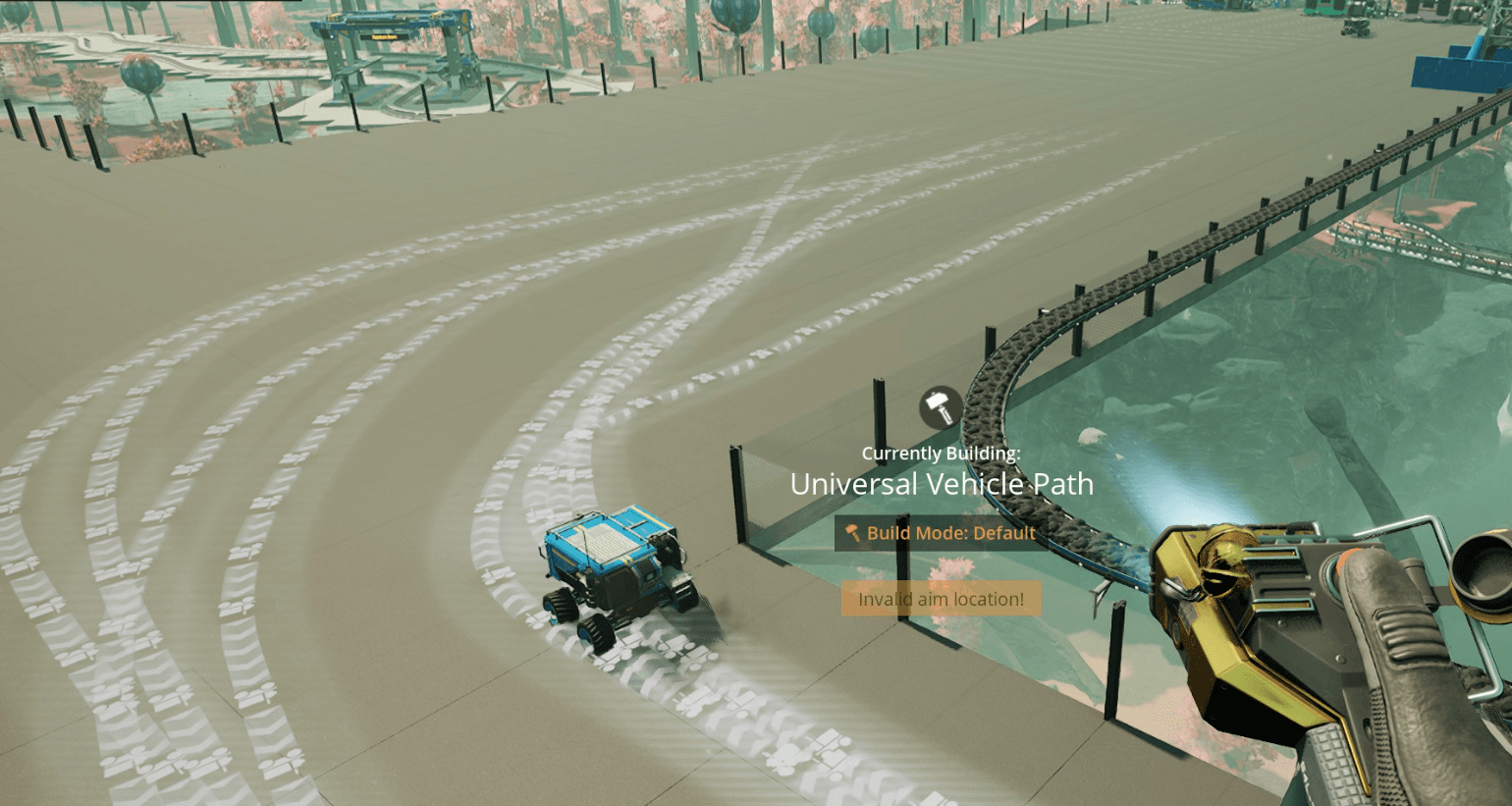
The screenshot above shows my existing truck routes, but now they're drawn out visually so I can see exactly where they go and decide if I want to rebuild them with the new system. The fluid truck works with the new pathing system too, which means you can finally set up reliable automated fluid transport without committing to a full pipeline network. For players who've been frustrated with the old truck station autopilot, this is the update you've been waiting for.
Satisfactory 1.2 Game Mode Settings for Dedicated Servers
This is the biggest feature in the 1.2 update for anyone running a dedicated server. Coffee Stain added a set of game mode settings that let you customize the core difficulty of your world:
- Cost multiplier - adjust how many resources recipes require
- Recipe parts cost multiplier - fine-tune ingredient costs separately
- Space elevator deliverable cost multiplier - make project assembly deliveries easier or harder
- Power consumption multiplier - scale how much power your buildings draw
- Resource node randomization - shuffle where resource nodes spawn on the map
These settings work on dedicated servers, which means server admins can now create genuinely different experiences for their players. Want a casual server where your group can build freely without grinding? Lower the cost multipliers. Running a challenge server for experienced players? Crank everything up and randomize the resource nodes.
One important detail: these settings can only be configured when creating a brand new world. You cannot enable them retroactively on an existing save. If your group wants to try the new game mode settings, you'll need to start fresh.
For EVLBOX customers, creating a new world with custom settings is straightforward. Switch to the experimental branch in the Nitro panel (and back up your save first, always), generate a new world, and configure your settings during world creation. The server handles the rest.
How Satisfactory 1.2 Experimental Runs on Our Servers
I tested the update on our Dallas nodes as soon as it went live. Here's what I found:
Update speed: The experimental build downloaded fast. On our Dallas servers (10Gbps networking), the update pulled down in about 20 seconds after restarting. Meanwhile, switching my game client over to experimental at home took about 20 minutes on cable internet (god I wish I could have 10gig at home). The process on the server side was painless: switch to experimental in the Nitro panel, restart, and the server pulls the new build automatically.
Performance: I loaded up a pretty big factory with all tiers unlocked. The server is idling at about 50% CPU usage out of 200% (2 cores allocated). That's a large, late-game world running comfortably with headroom to spare.
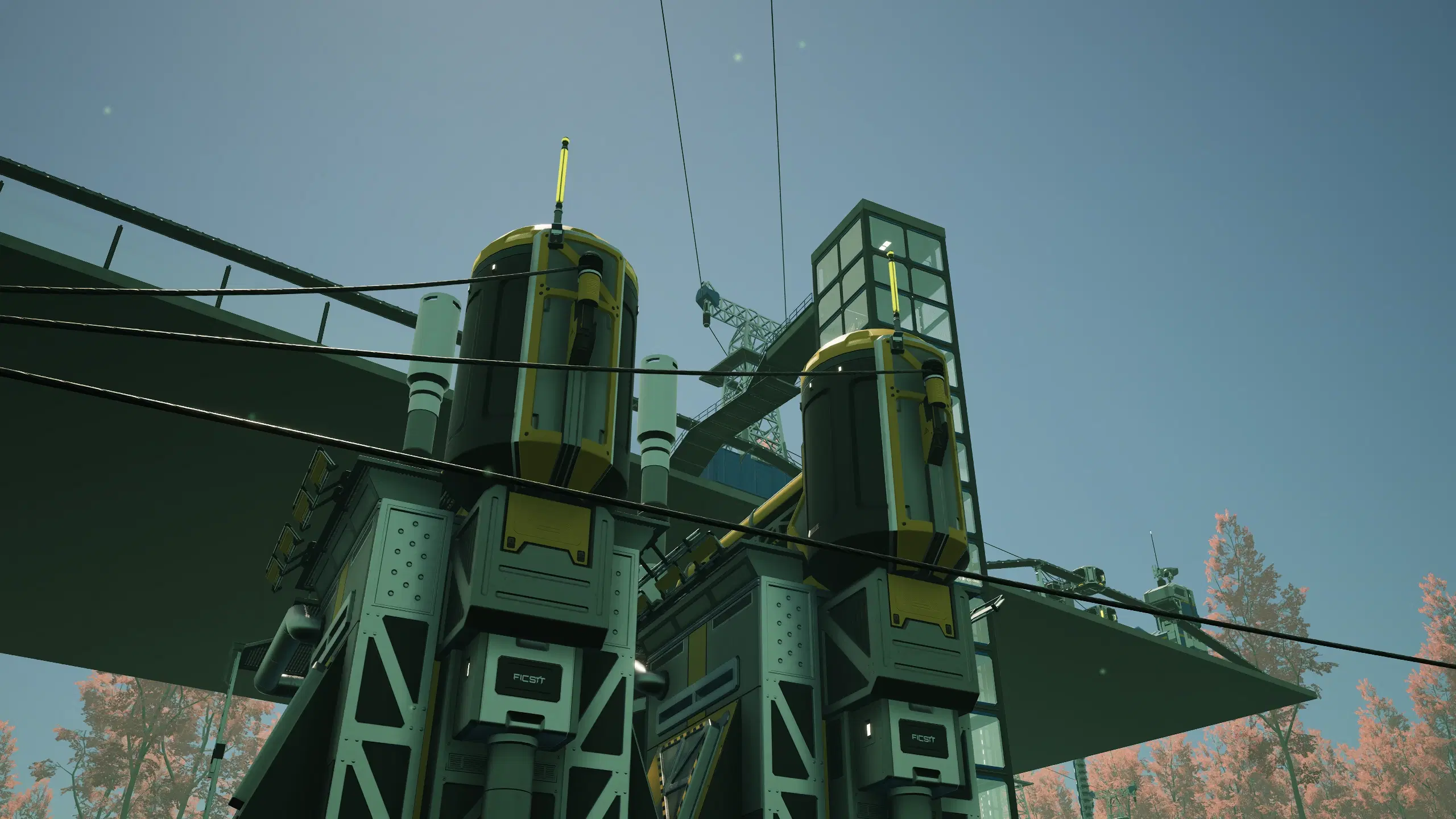
Stability: Overall, the experimental branch plays well and doesn't have noticeable performance hits compared to stable. If you've got a large factory and you're worried about trying experimental, don't be. It's running clean.
Back up your saves. This is still an experimental branch. Before you switch, make sure your save data is backed up. Always. You can download your save files through the Nitro panel's file manager, or check our Satisfactory docs for instructions on managing save files.
Hosting Satisfactory Experimental on EVLBOX
We fully support the Satisfactory experimental branch. Switching between stable and experimental takes about 30 seconds in the Nitro panel, and the server handles the version change on restart.
Our Satisfactory plans start at $16/month (Standard) and $24/month (Ultra), running on AMD Ryzen/Epyc hardware with NVMe storage across four locations: Dallas, Los Angeles, New York Metro, and Falkenstein, Germany. Every location includes DDoS protection.
If you're looking to try the 1.2 update with friends and want a server that's already running it, check out our Satisfactory hosting.
Quick Answers for Server Admins
A few things that came up while I was testing that you'll probably want to know:
The 1.2 experimental update works fully on dedicated servers. All new features, including game mode settings, vehicle paths, weather, and the SPWN toilet, are available in multiplayer.
Game mode settings can only be set on a brand new world. If your group wants to try cost multipliers, power scaling, or resource node randomization, you'll need to start fresh. Existing saves can't use them.
Vehicle paths work great in multiplayer. Everyone on the server can create and use them for truck routes, including fluid trucks.
Switching to experimental on EVLBOX takes about 30 seconds. Open the Nitro panel, select the experimental branch, restart, done. We have a full walkthrough in our docs if you want it step by step.
The selfie camera is easy to miss if you don't know where it is. Hit P to open photo mode, then switch the camera type from first person or detached to selfie camera.
From our testing, the 1.2 update doesn't change server resource requirements. Weather and vehicle paths don't add meaningful load. You shouldn't need to upgrade your plan.
- Authors