🔥 ENSHROUDED 1.0 IS HERE: servers rebuilt for 1.0, every setting in the panel, and a year of any game on the new Flex plan.

Satisfactory crossplay is here, just not on dedicated servers
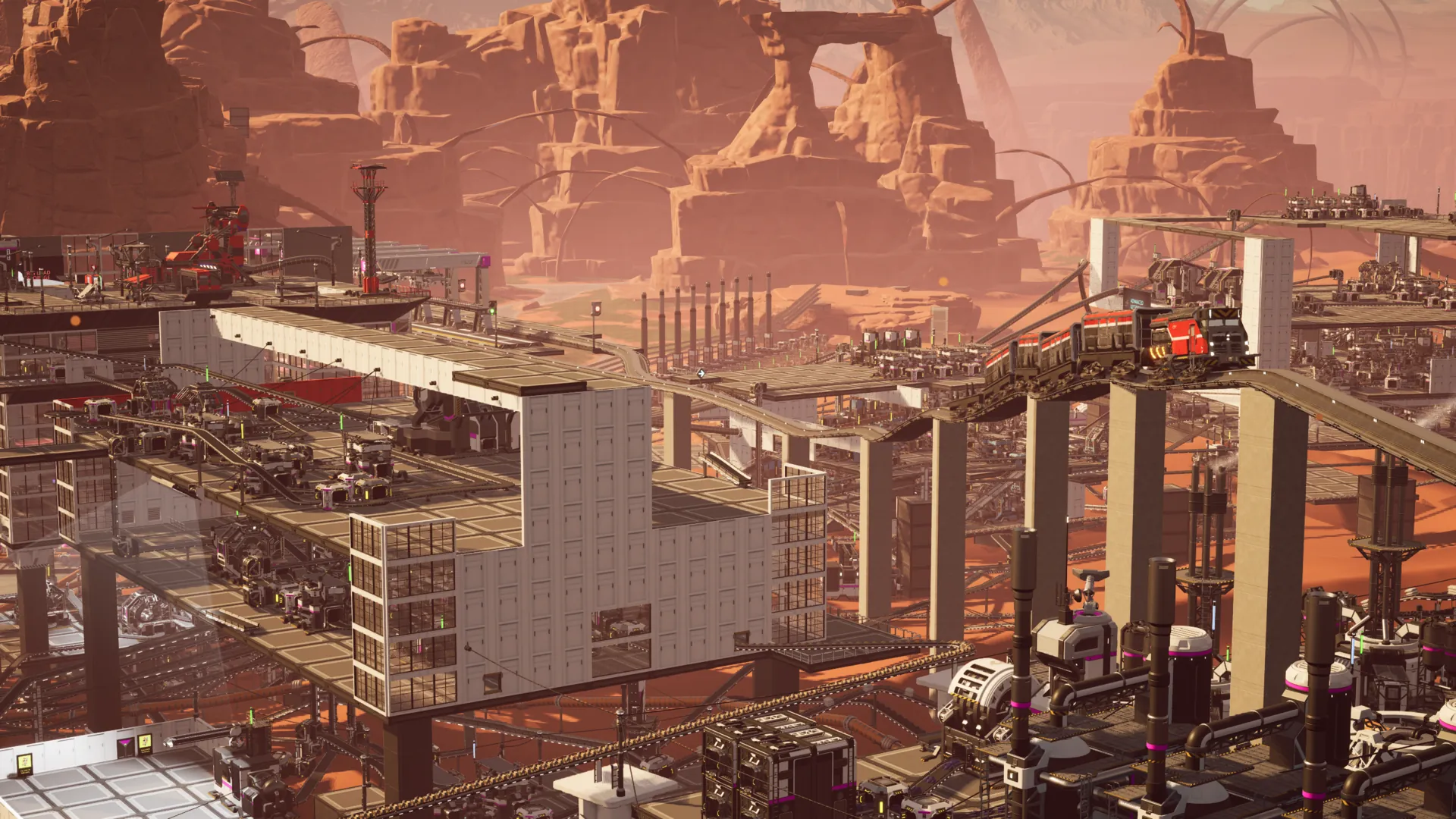
Satisfactory crossplay went live on November 4, 2026 in patch 1.2.5.0, a year to the day after the console release. Steam, Epic, PS5 and Xbox Series X|S players can now build in the same factory, as long as everyone has a free Epic Games account and nobody's running mods. The awkward part for a company like ours is dedicated servers. They're PC-only, so PS5 and Xbox players can't join one. Steam and Epic players still can.
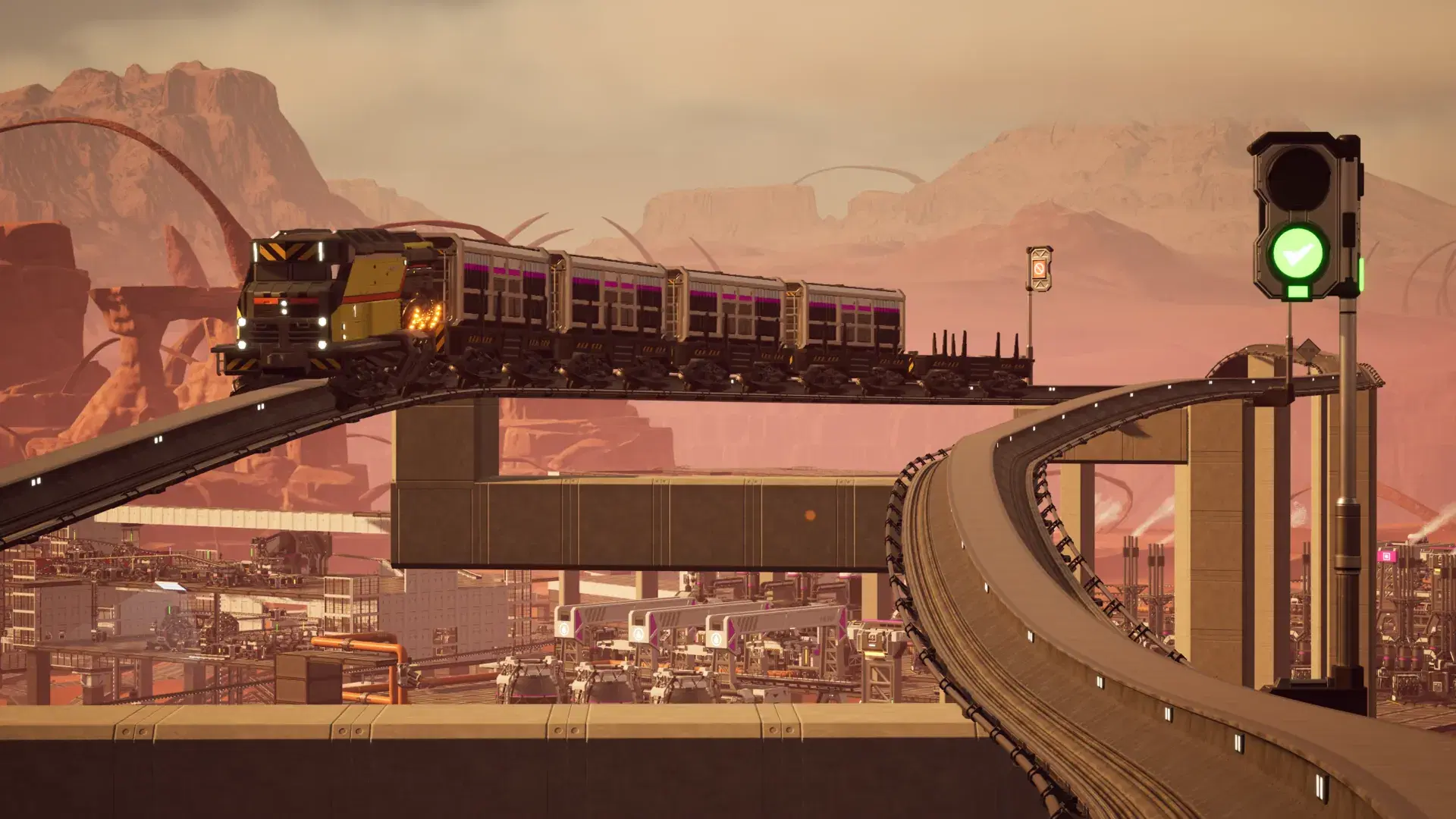
That's my main factory at the top of the page. The factory's fine, but the thing I care about is the red train going over it. What I've mostly done in this game is build lots and lots of trains, and now my friends on console can come see them. I apologize to those friends in advance.
Coffee Stain's announcement. They called it We Fixed Friendship, which is pretty good.
Does Satisfactory have crossplay now?
It does, so yes, Satisfactory is cross platform now. PC with PS5, PC with Xbox, PS5 with Xbox and Steam with Epic all work in one session, as long as a player is hosting it. If your group has spent the last year asking whether Satisfactory will be crossplay, you can stop.
| Playing together | One player hosting | Dedicated server |
|---|---|---|
| Steam and Epic | Yes | Yes |
| PC and PS5 | Yes | No |
| PC and Xbox Series X|S | Yes | No |
| PS5 and Xbox Series X|S | Yes | No |
That right-hand column is the one people are going to trip over. PS4 and Xbox One aren't on Coffee Stain's list at all, so don't count on those either.
Does crossplay work on a Satisfactory dedicated server?
Not if anyone's on a console. Coffee Stain's patch notes say "Dedicated Server is currently only available on PC and therefore not available during Crossplay", and they haven't put a date on changing that.
I'd love to tell you otherwise, since renting you a server is how we eat. But if even one person in your group plays on a PS5 or an Xbox, a dedicated server is out, and one of you has to host in-game.
If everybody's on PC, nothing changed. Steam and Epic players share a server the way they always have. We wrote up the server side, including which branch to run and the known issues, in the Satisfactory 1.2 and crossplay docs.
Do you need an Epic account for Satisfactory crossplay?
Yes, and sorry. Everyone in a crossplay session needs an Epic Games account, including every Steam player in the group. That's going to annoy a lot of Steam users. I've gone this long without one myself, so I get it. Crossplay runs on Epic Online Services though, so there's no way around it. At least it's free.
| What you're doing | Epic account? |
|---|---|
| Single-player | No |
| All-Steam group, one player hosting | No |
| Mixing platforms, one player hosting | Yes |
| PS5 or Xbox, any multiplayer | Yes |
| PC players on a dedicated server | No change with this patch |
Use an account you already have, or make one from inside the game in the Online Settings menu. The cross-platform friends list lives on Epic's side, so you may end up logging in to their website or launcher at some point too.
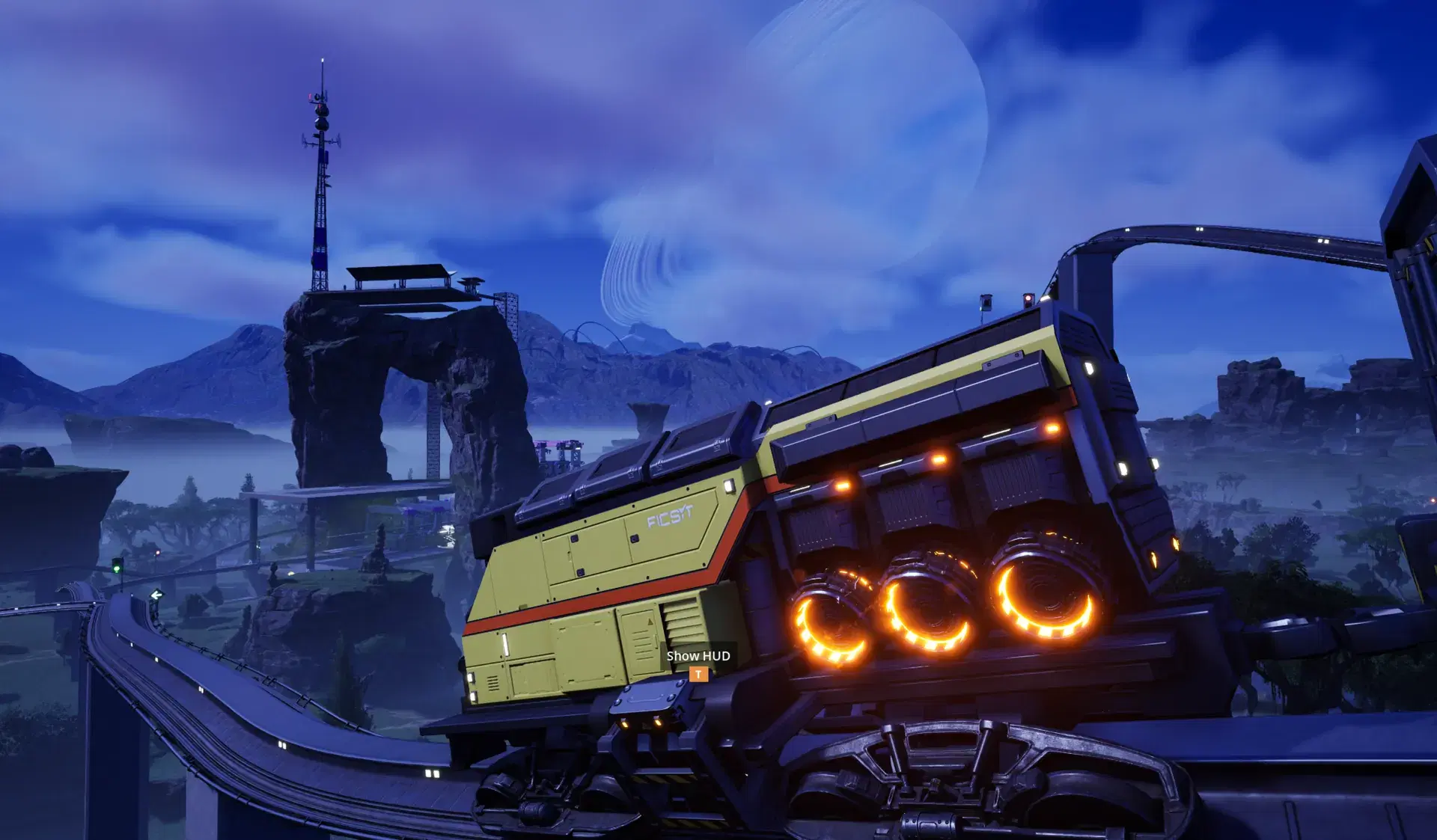
How to set up Satisfactory crossplay
You and your friend both need to do this.
- Log in to an Epic account, either an old one or a new one you made in-game.
- Link your game profile to it. That's your Steam, Microsoft or Sony account.
- Add each other. You have to be friends on your own platform and on Epic, and the Epic side can be done from the Epic Games Launcher.
- Open the Join Game menu. The host's session should be sitting there.
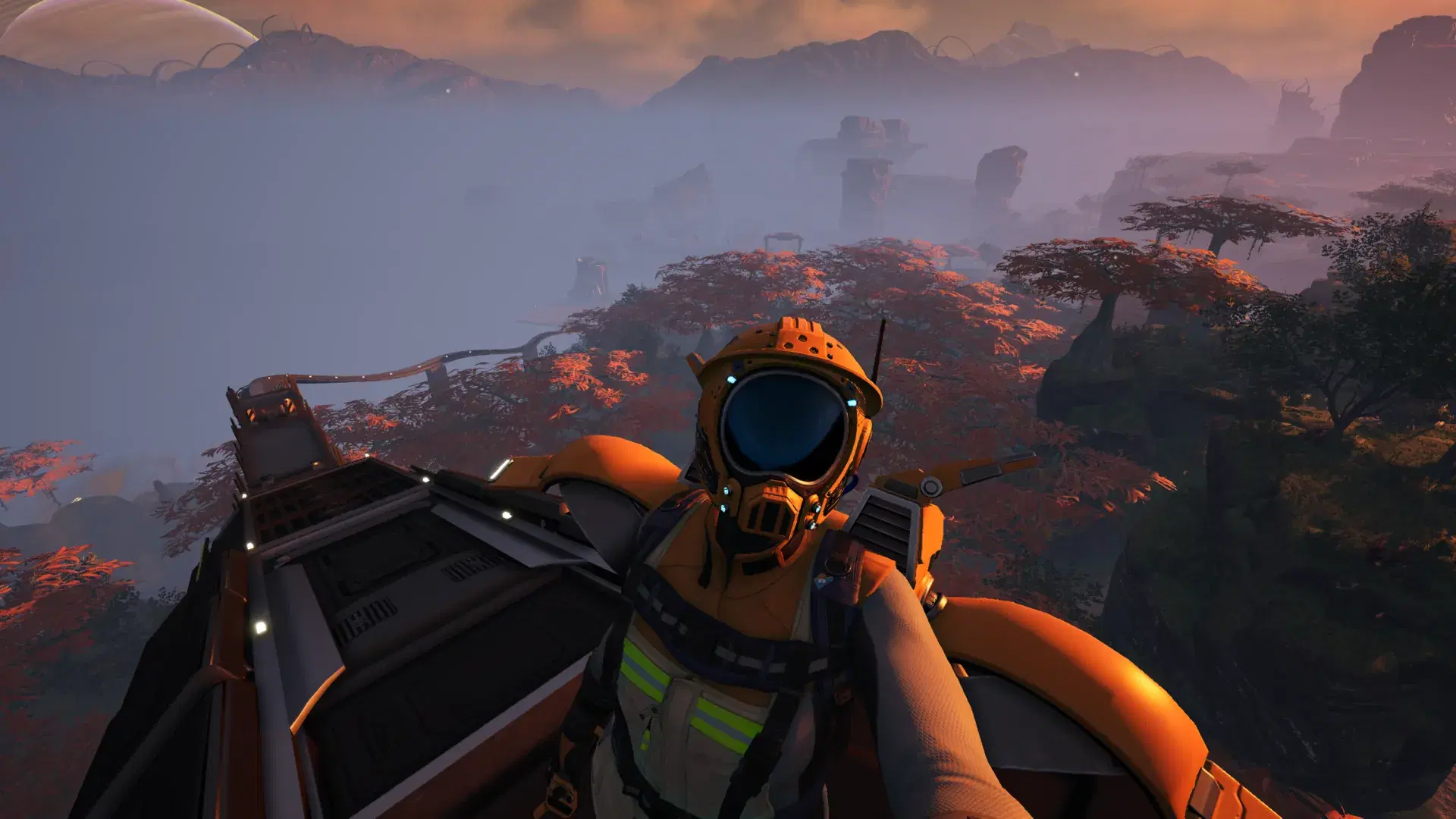
Passenger seating on my network is limited to the roof.
Satisfactory crossplay not working?
If your friend's session doesn't show up, check privacy first. Your platform's settings have to let friends view your profile. After that, try the boring fix and fully shut down your console or PC, not just the game. You can also try joining through your platform's friends list instead of the Join Game menu.
A "Multiplayer incompatible account" error usually clears up if you go to Options > Online > Reset Account Linking from the main menu and link your accounts again.
Check for mods too. Consoles can't run them, so only unmodded sessions can engage in crossplay.
Big saves are their own problem. The patch has some potential fixes for joining them, but Coffee Stain says "some issues still remain". On a dedicated server you can raise Join Timeout on the Startup tab, which gives a slow join more time.
What you give up in a crossplay session
Mods, as above. Cross-progression too. Coffee Stain's words are "Saves stay on the Host's platform", so a factory you built on PS5 stays on PS5 and can't come over to your PC. And whoever hosts is the server, so when they go to bed, everybody's done for the night.
That last one is what would bother me. My train loops are spaghetti and they look kinda bad, but it's fun, and I'd like people to be able to go ride around on them when I'm not online.
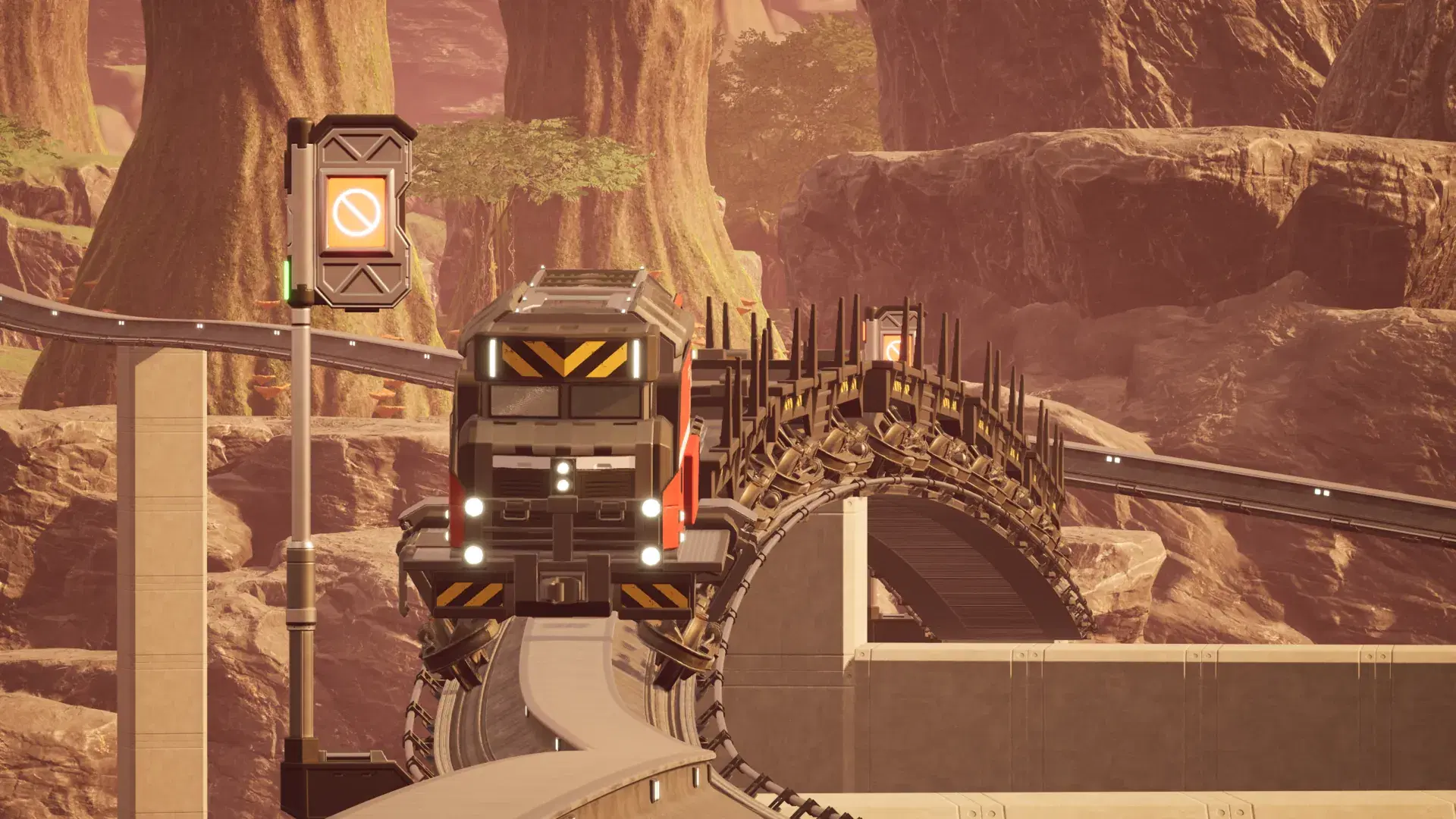
No engineer signed off on this.
What we changed on EVLBOX Satisfactory servers
For our servers, crossplay is close to a non-event. What did change is the setup behind them, which we rebuilt. It's live now, and your server picks it up the next time it restarts.
Going past 4 players
This one was on us. Max Players in our panel didn't work above 4. You could type in 8 and still be stuck at 4. It works now. Set it on the Startup tab, restart, and that's your number. You choose the player count and we don't charge for it. The default is still 4, and anything higher is unsupported by the game and can hurt performance, so if your factory starts to chug at 10 players, that's why.
If you've been editing Game.ini by hand and wondering why you're still at 4, the game deletes that file on every graceful stop. Your edit was gone the moment the server shut down cleanly. It wasn't you.
Running your own server? This startup parameter from the wiki's configuration page is what you want.
-ini:Game:[/Script/Engine.GameSession]:MaxPlayers=8
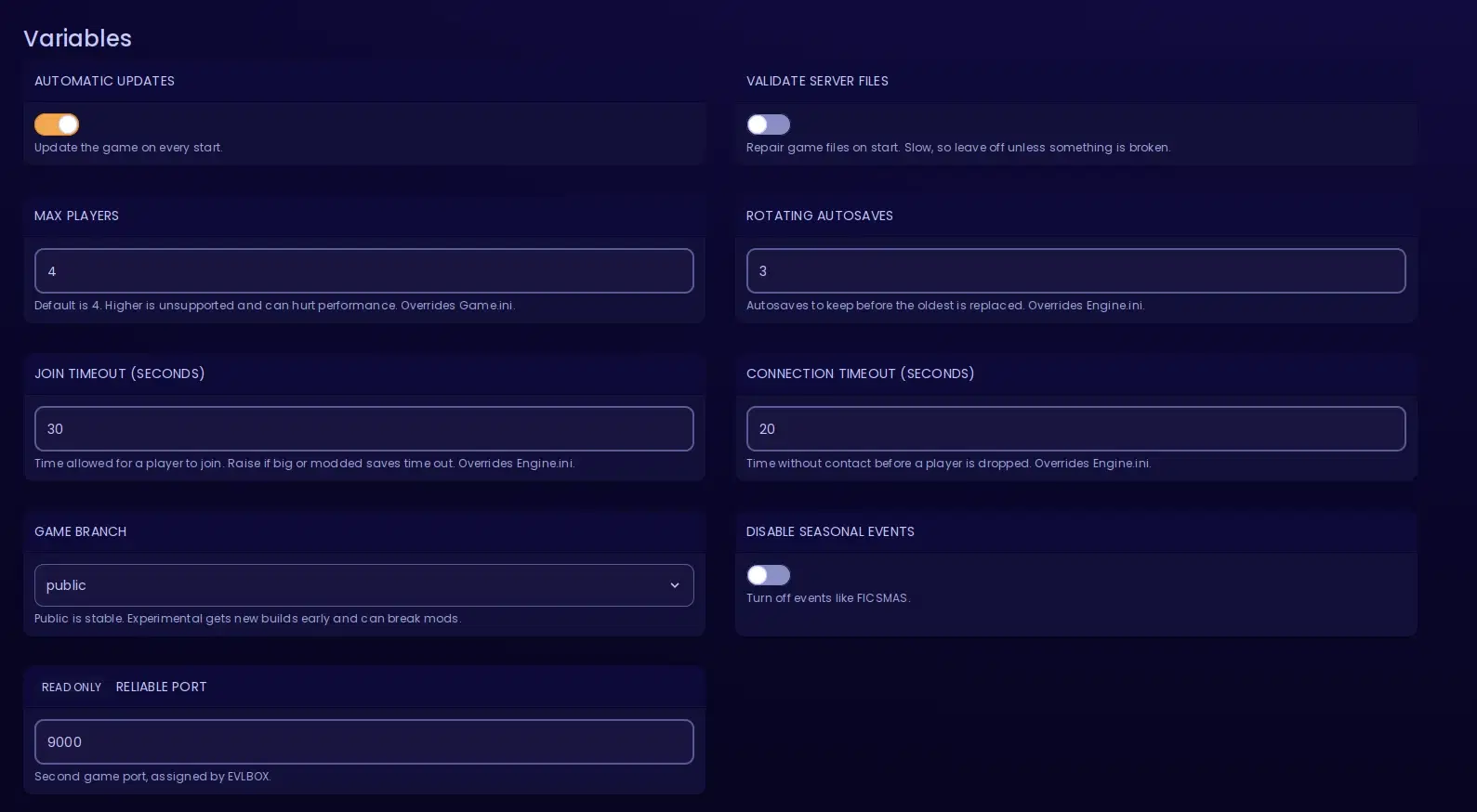
The Startup tab, shorter than it used to be.
The rest of the changes
Rotating Autosaves and both timeouts had a similar problem. The game would rewrite its config and your values would vanish. Now they're passed at startup every time, same as Max Players, and they override whatever the INI files say. The panel doesn't edit your INI files at all anymore, and a reinstall no longer wipes Engine.ini, Game.ini or GameUserSettings.ini.
We also cleared out some junk. Beacon Port and Query Port haven't been used since 1.0. Startup Mode was a choice of one, since only FactoryServer exists now. Upload Crash Reports had no effect after install. Autosave Interval and Network Quality left the panel too, but you can still set those in the in-game Server Manager.
A few smaller things. Validate Server Files is an on/off toggle now, and the variable names and descriptions got shorter. New servers start at network quality 3, and existing ones keep what they have. The installer retries SteamCMD once, then fails with an error if the game still isn't there.
Coffee Stain's patch helps too. It fixes a dedicated server crash involving drones, and Download Save in the Server Manager shows its progress properly now. Restart your server once and you get the patch and all of this.
Do you need a dedicated server?
If someone in your group is on a console, no. They can't join it, so have one of you host and keep your money.
If everyone's on PC, I'd get one, and not only because I sell them. The server stays up when you log off, so whoever works nights can keep building while the rest of you sleep. You can run mods. You pick the player count and it costs the same. And a save gets backed up off-site every two hours across 12 slots, so there's a rolling day of restore points waiting for the night you rebuild your rail network and shouldn't have.
Put your factory on its own server
10GB of RAM, two dedicated Ryzen cores, 40GB of NVMe and off-site backups every two hours. Code NEWSF gets you 30% off monthly and quarterly plans.
Coupon for reading this far: use code NEWSF at checkout for 30% off a monthly or quarterly plan, and it keeps applying when you renew. New customers only, one per customer, and it runs out December 31, 2026.
Paying yearly is the other way to save, at 37.5% off the monthly price, though the code won't stack on it. Every server includes one GameSwap freeze slot. Pay yearly and we add two more, so you can keep three game servers frozen in time and swap between them. And if it's not for you, there's a 7-day refund either way.
FAQ
Is Satisfactory crossplay?
Yes. Since patch 1.2.5.0 on November 4, 2026, Steam, Epic, PS5 and Xbox Series X|S players can play together in a session hosted by one player. Everyone needs a free Epic Games account, and the session has to be unmodded.
Can Xbox and PC play Satisfactory together?
Yes, and so can PS5 and PC, as long as one player hosts the session in-game. Link your platform account to Epic and be friends on your platform and on Epic. The session then appears in the Join Game menu.
Does Satisfactory crossplay work on dedicated servers?
Not with consoles. Coffee Stain says dedicated servers are currently only available on PC, so PS5 and Xbox players can't join one. Steam and Epic players can still share a dedicated server.
Do you need an Epic account for Satisfactory crossplay?
Yes. It's free, and you can create one in the game under Online Settings. You don't need one for single-player or for an all-Steam group with one player hosting. PS5 and Xbox players need one for any multiplayer.
Can Steam crossplay with Epic in Satisfactory?
Yes. In a session hosted by a player, it runs through Epic Online Services, so Steam players need a linked Epic account. On a dedicated server, Steam and Epic players share the server as they always have.
Can you use mods or move a save in Satisfactory crossplay?
No to both. Consoles don't support mods, so only unmodded sessions can use crossplay. Coffee Stain supports active crossplay but not cross-progression, so saves stay on the host's platform.
- Authors