🔥 ENSHROUDED 1.0 IS HERE: servers rebuilt for 1.0, every setting in the panel, and a year of any game on the new Flex plan.
Valheim 1.0 is here, and your server is ready for it
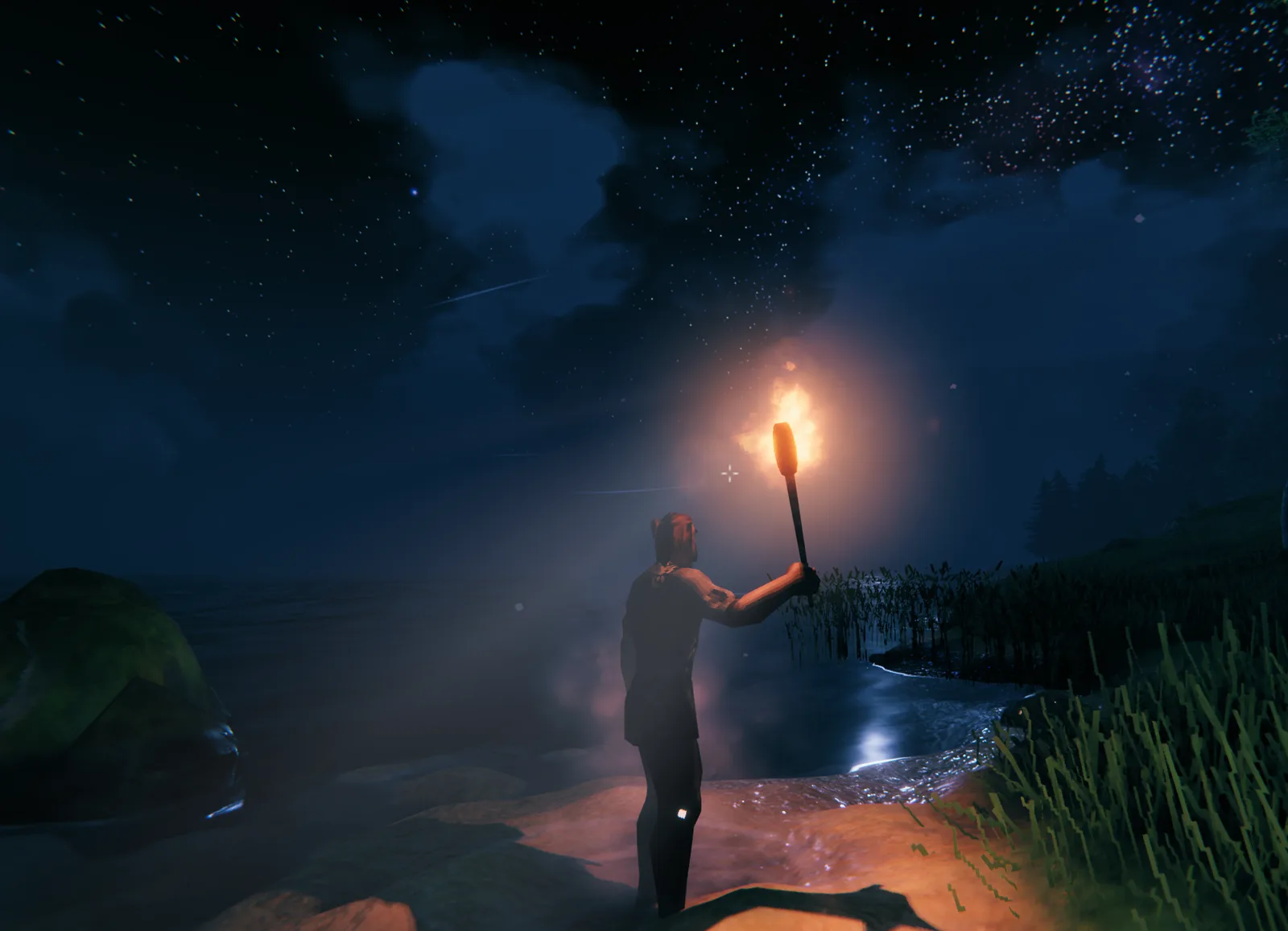
Valheim 1.0 is here. Five years in early access, and the Vikings finally get a proper 1.0. If you've been waiting for a reason to spin a world back up and drag the old crew into the swamp one more time, this is it.
First, the part that matters if you already run a Valheim server with us: it's ready. The new build is supported, the new world settings are sitting in the panel, and backups are humming along in the background. You can skip straight to the fun.
And if what you're really here to ask is whether 1.0 forces a brand-new world, relax. We covered that one on its own. Everything else we changed is down here, and a couple of the new settings come with a warning label.
The new build is live, and yes, we tested it
Before we flipped it on, we ran 1.0 both ways. A clean install, and an update dropped on top of an existing world. Both came up perfectly. New servers boot straight into 1.0, and existing ones swallow the update without a fight.
So if your server doesn't come back after updating, it's very probably not the game's fault. Open a ticket and we'll climb in and find whatever's stuck. On our side, it just comes up.
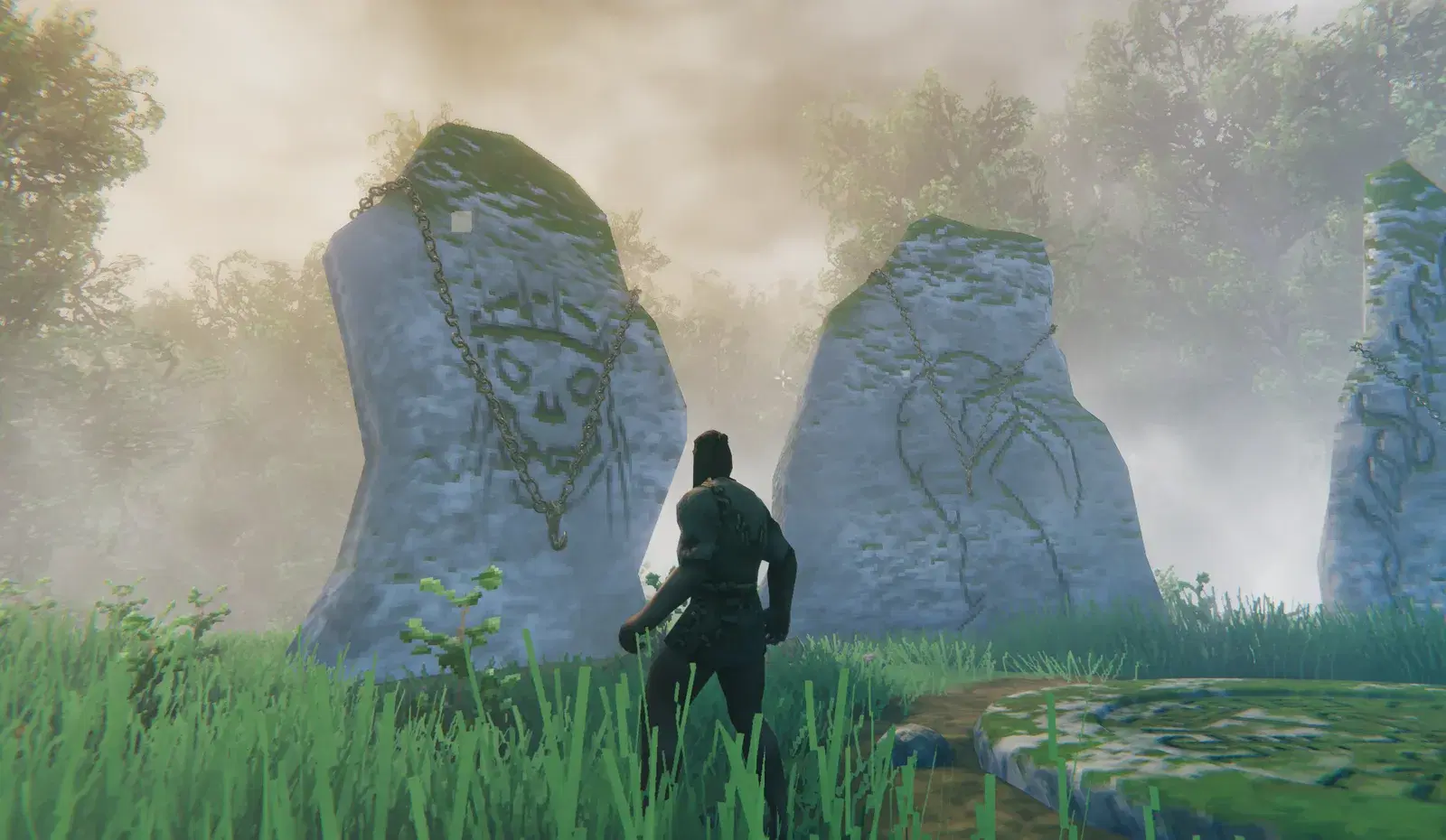
Your world backs itself up now
Valheim is on Server Care, which means backups happen on their own. Twelve slots, one every two hours while the server's running, both your save and your config tucked safely off-site.
You'll be glad of it this week especially. A launch is prime time for losing things you cared about. You try a world modifier you don't fully understand, or a mod doesn't survive the patch, and an hour later the base you poured a month into looks a little different than you left it. Twelve slots on a two-hour rhythm gives you a rolling day of rollback points, and you restore any of them yourself from the Nitro Panel in a couple of clicks. You never lift a finger to set it up. It's already doing its job.
Every new world setting is right in the panel
This is the big one, and probably why most of you are here. The 1.0 world modifiers are all in the panel now as dropdowns and toggles. No startup flags to memorize, no opening a config file with a text editor and a prayer.
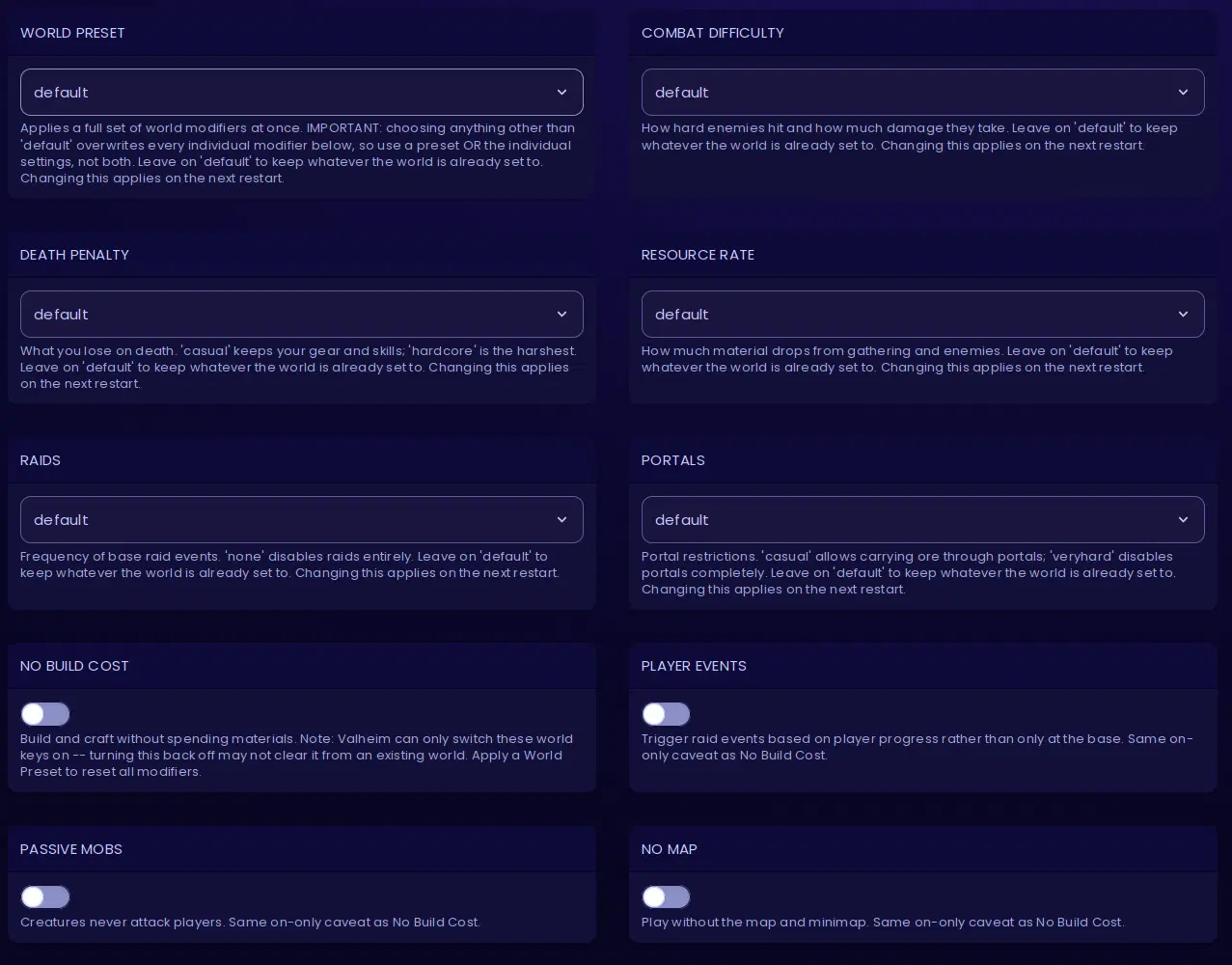
The new world settings, straight out of the panel.
The dropdowns:
- World Preset. A whole batch of modifiers in a single pick, the same named presets the game hands you.
- Combat Difficulty. How hard enemies hit, and how much punishment they soak up before they drop.
- Death Penalty. How badly it stings to die, anywhere from gentle casual to full hardcore.
- Resource Rate. How generous the world is when you gather and kill.
- Raids. How often something angry comes knocking, all the way down to never.
- Portals. The portal rules, from haul-anything-through to no portals at all.
Then the toggles: No Build Cost, Player Events, Passive Mobs, and No Map.
Leave any of these on default and your world keeps doing exactly what it already does. The option simply showing up in the panel changes nothing on its own, and anything you do change takes hold on the next restart.
Two of them come with a catch, both lifted straight from the panel's own warnings, because both of them trip people up.
World Preset overwrites everything under it. Pick anything other than default and it steamrolls every individual modifier below and drops its own in place. Use a preset, or set the individual modifiers, but not both at once.
The toggles only swing one way on a world that already exists. Valheim will happily switch those world keys on, but switching them back off doesn't reliably clear them. Flip on No Build Cost to goof around and decide later you want it gone? Applying a World Preset is the thing that actually resets it. If you're just experimenting, do it on a throwaway world first.
None of that is us being awkward. It's simply how Valheim writes its world settings, and we'd rather you hear it from us now than discover it at the worst possible moment.
Modded servers are a couple of clicks away
Fancy a modded server? There's a dedicated Valheim BepInEx setup waiting in GameSwap. Open GameSwap in the panel, choose BepInEx, and it arrives with the latest version already installed and configured. No SSH sessions, no wrestling the mod loader into place by hand. Drop your mods in and go.
It's the painless way to run modded Valheim with us without doing the plumbing yourself.
There are proper docs now
We wrote real documentation for all of this, over at evlbox.com/docs/game-servers/valheim. Crossplay, the right way to tuck a password into the server name, every setting above, backups, mods, the lot. If anything in the panel makes you tilt your head, that's the first place to look.
Starting fresh for 1.0?
That's the whole changelog. If you're standing up a brand-new server for the launch rather than updating one you already run, this next bit's for you (and yes, it's the sales pitch).
Get a Valheim 1.0 server running
6GB of RAM, full file access to your world saves and BepInEx, off-site backups every two hours, and crossplay on a toggle. Up and running in about five minutes.
And because it's launch week, there's a little something in it for you. The code VALHEIM-30 takes 30% off your first month or first quarter on a Valheim server, right up until Halloween on October 31. Monthly and quarterly plans, Valheim only, first term only, then it settles back to the regular price. Call it a welcome-to-1.0 gift.
Anything I skimmed over, the docs almost certainly cover, and if they don't, a ticket will. Now go enjoy it. You've waited long enough.
- Authors