
StarRupture Guides
StarRupture is Creepy Jar’s first-person factory-automation survival game. You land on Arcadia-7, a planet that periodically tears itself apart, and build an industrial base fast enough to survive the next rupture. Up to four players share one world.
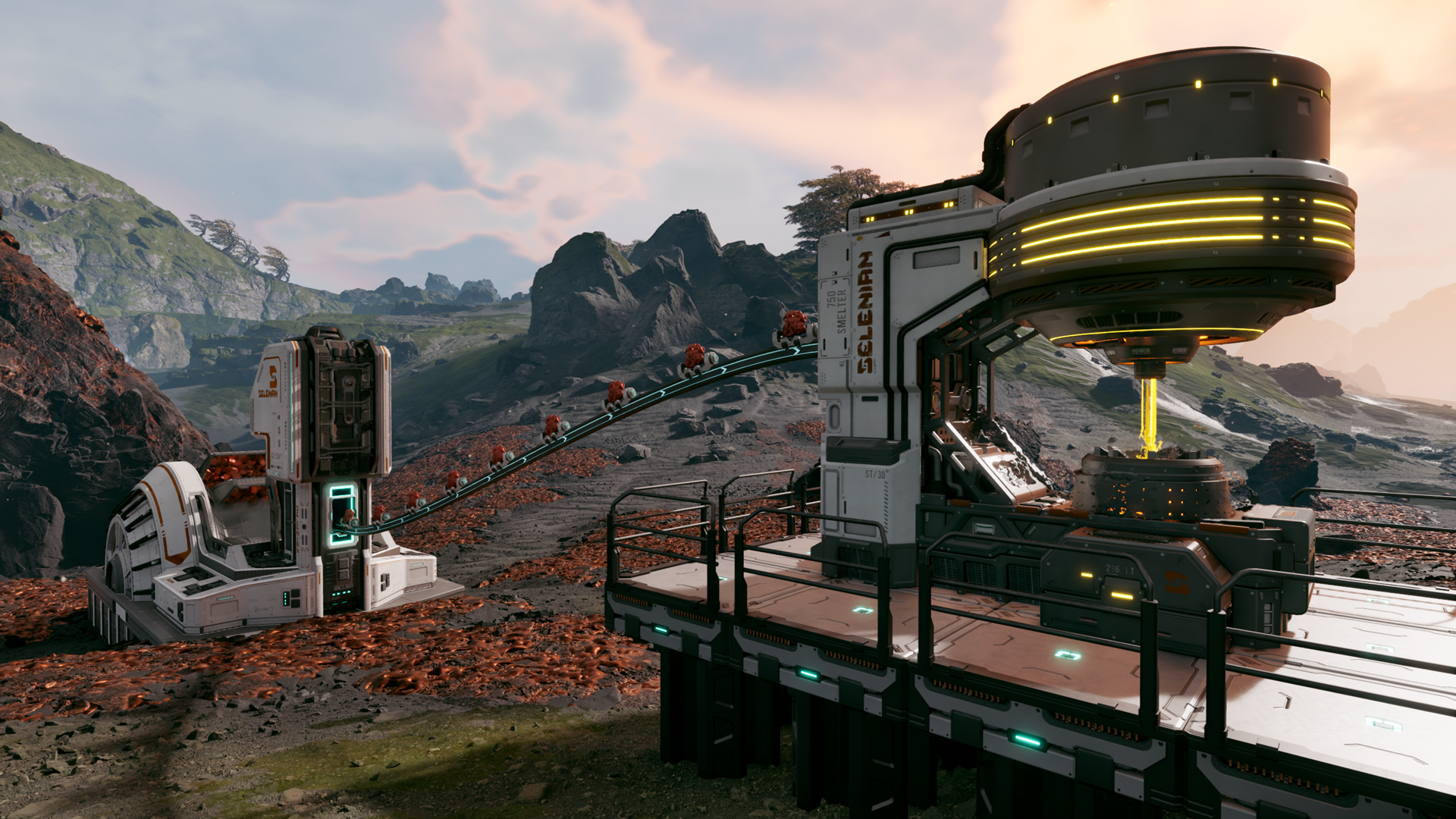
Gameplay image from the Creepy Jar press kit.
Before You Start
Section titled “Before You Start”Four things about StarRupture servers catch people out. Worth knowing up front.
The server is still marked “experimental” by Creepy Jar. It works, and we run it in a hardened configuration, but the game is in Early Access and patches occasionally change how the server behaves. If something that worked yesterday stops working today, check the Discord before assuming it’s your server.
Four players is the real cap. Not a plan limit — a game limit. The Max Players field accepts higher numbers, and some guides claim 8 works. It doesn’t work well. Higher values are unsupported.
You don’t need the in-game “Manage Server” screen. A manually configured server may require you to create or load a session through that screen. Your EVLBOX server handles sessions, saves and passwords from the Startup tab, and the world loads itself on boot. The Manage Server screen is disabled on purpose and may time out. See the Manage Server guide for the panel equivalents.
Join with the full numeric IP:port. Enter your server’s numeric IP and assigned port in Join Game → Dedicated Server. Ports vary by server; do not assume 7777. Share it in your Discord once and pin it.
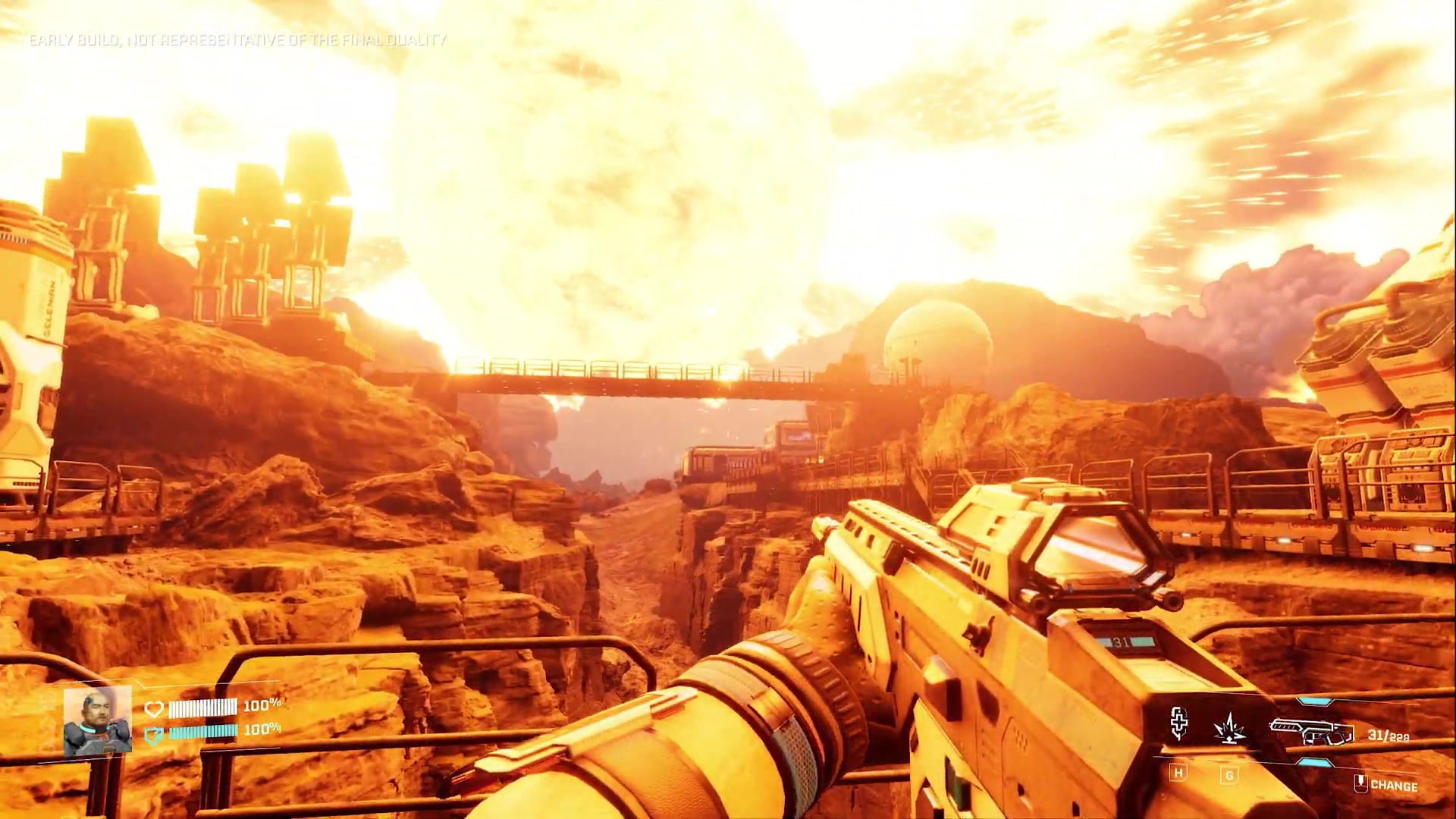
Still from Creepy Jar’s early-build gameplay reveal; current gameplay may look different.
Hosting Guides
Section titled “Hosting Guides”Article - How to Connect to your StarRupture Server
Article - Manage Server: Use the Nitro Panel
Ready to build before the next rupture? Ask us about hosting.